Drywall calculator
Enter the room size, the openings and the sheet size. The calculator takes out doors and windows, adds waste and tells you how many sheets of drywall to buy.
See your design as an AI render — freeEach door takes out 20 sq ft and each window 15 sq ft (standard sizes).
- Area to cover
- 349 sq ft
- With waste
- 383.9 sq ft
- Area per sheet
- 32 sq ft
Counts one face of each wall. New stud walls get drywall on both sides: double the result.
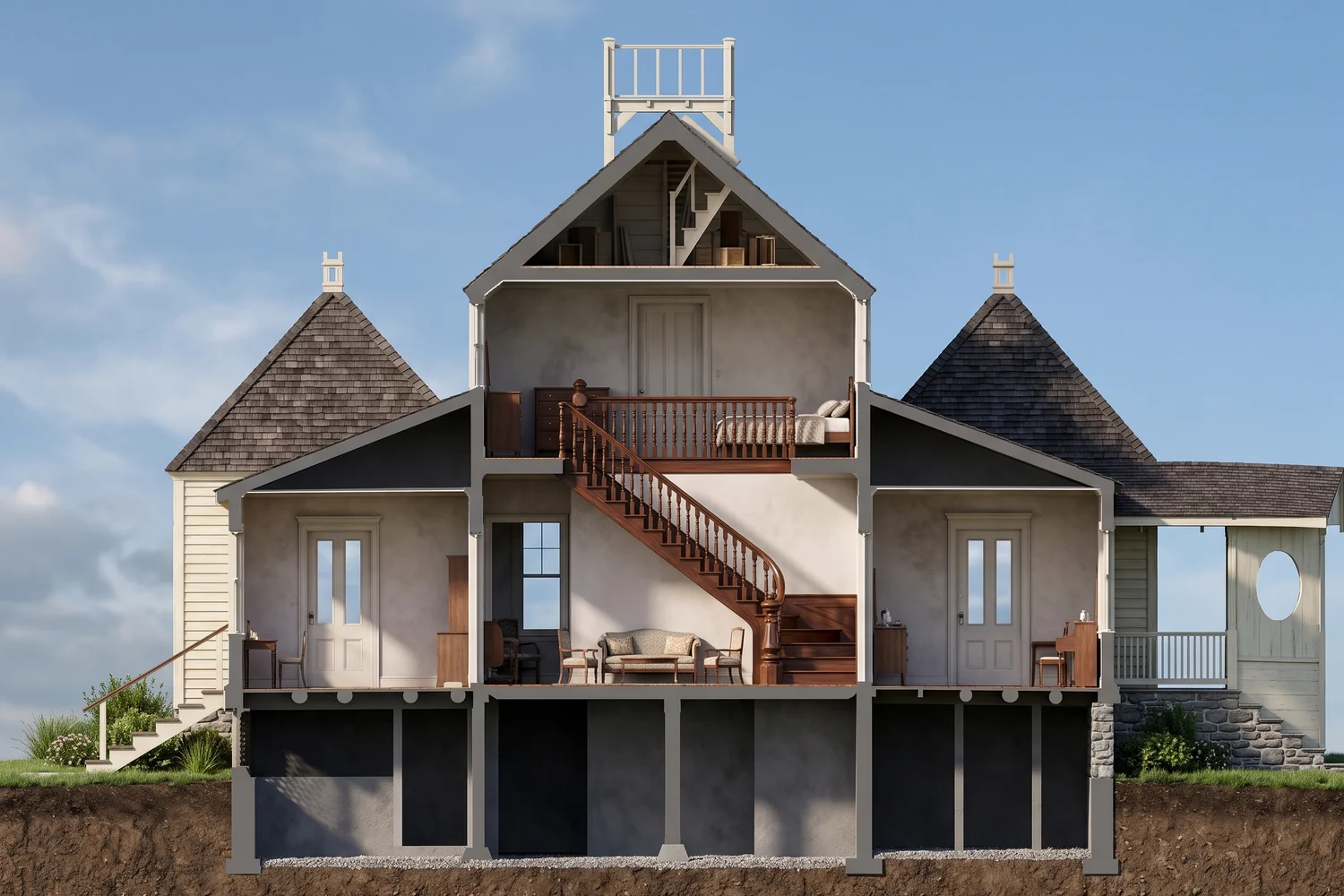
See the design in section
Upload a building section and RendScene returns a photorealistic rendered section, with walls, ceilings and materials.
5 free renders · no credit card
How to calculate drywall sheets
Same math as paint up to the area; then divide by the sheet area.
- 1
Work out the wall area
Perimeter × height: 2 × (12 + 12) × 8 = 384 sq ft in a 12 × 12 ft room.
- 2
Take out the openings
One door (20 sq ft) and one window (15 sq ft): 384 − 20 − 15 = 349 sq ft.
- 3
Add waste
With 10% waste for cuts: 349 × 1.1 = 383.9 sq ft.
- 4
Divide by the sheet and round up
A 4 × 8 ft sheet is 32 sq ft: 383.9 ÷ 32 = 12.0, so 12 sheets.
Sheets by size
How many sheets of each size cover the area shown, with 10% waste.
| Sheet | Sheet area | For 500 sq ft with 10% waste |
|---|---|---|
| 4 × 8 ft | 32 sq ft | 18 |
| 4 × 10 ft | 40 sq ft | 14 |
| 4 × 12 ft | 48 sq ft | 12 |
Frequently asked questions
More free calculators
Design
- Scale calculatorDrawing size to real size and back, at 1:100, 1:50 or 1/4" = 1'-0".
- Floor area ratioMaximum floor area from a zoning FAR, or the FAR of a design.
- Stair calculatorRisers, treads, angle and total run of a stair, with Blondel's rule.
- Ramp slope calculatorLength, grade and landings of a ramp for a given rise.
- Roof pitch calculatorRoof pitch as X/12, degrees and percent, with ridge height and roof area.
- Parking ratio calculatorParking spaces per floor area and the lot area they take up.
- Room size calculatorFloor area, perimeter, walls and volume of a room, with IRC minimums.
Building and materials
- Square footage calculatorArea of rectangles, triangles, circles and trapezoids in sq ft, m² and acres.
- Square meter calculatorSquare meters from length × width, plus m² to sq ft, hectares and acres.
- Paint calculatorGallons or liters of paint for walls and ceiling, minus doors and windows.
- Tile calculatorTiles and boxes for a floor or wall, with grout joint and waste.
- Insulation calculatorInsulation thickness to reach a target R-value or RSI, by material.
- Brick calculatorBricks per sq ft and the total for a wall, with mortar joint and waste.
- Board foot calculatorLumber volume in board feet and m³, per piece and per order.
From drawing to render in minutes
Upload a floor plan, a sketch or a screenshot of your 3D model and get a photorealistic image that stays faithful to what you drew.
No credit card required