Rhino keyboard shortcuts
The default Rhino 8 for Windows shortcuts, with keys, aliases and mouse controls, grouped and checked against McNeel's official help. On a Mac, use Cmd instead of Ctrl. Download the free PDF.
52 official shortcuts
No sign-up, no e-mail. Print it and keep it next to your keyboard.
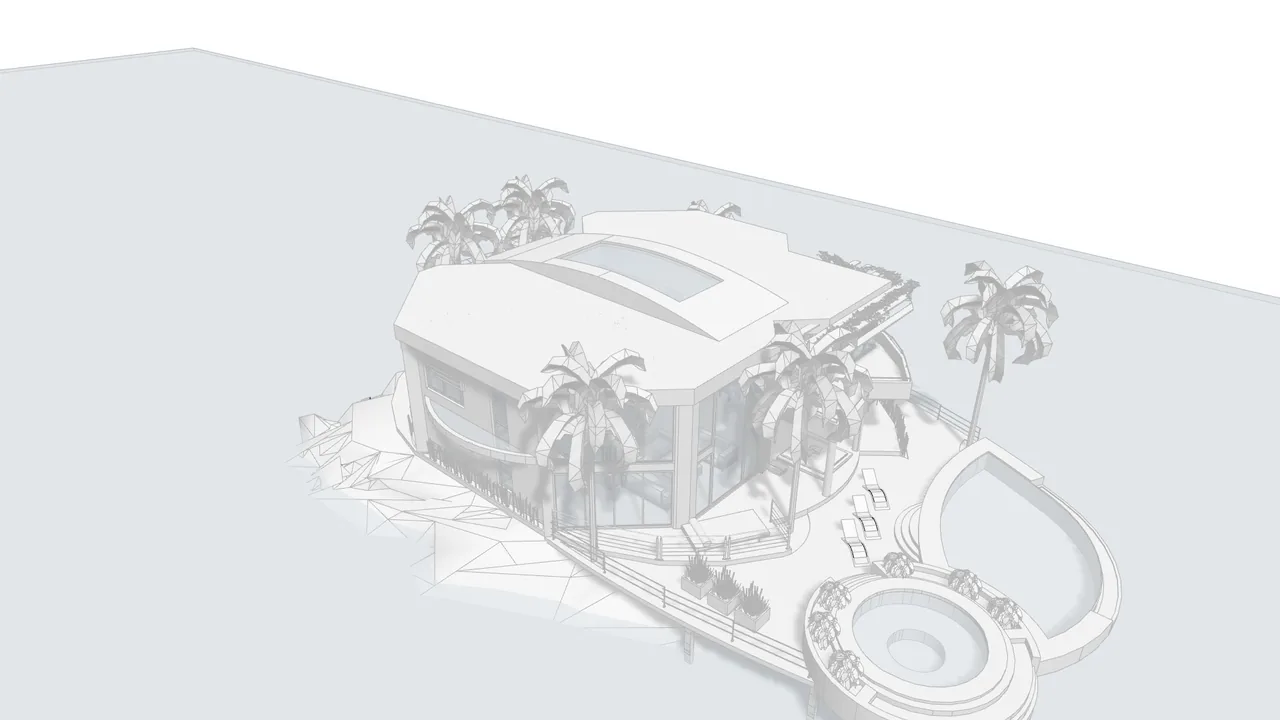
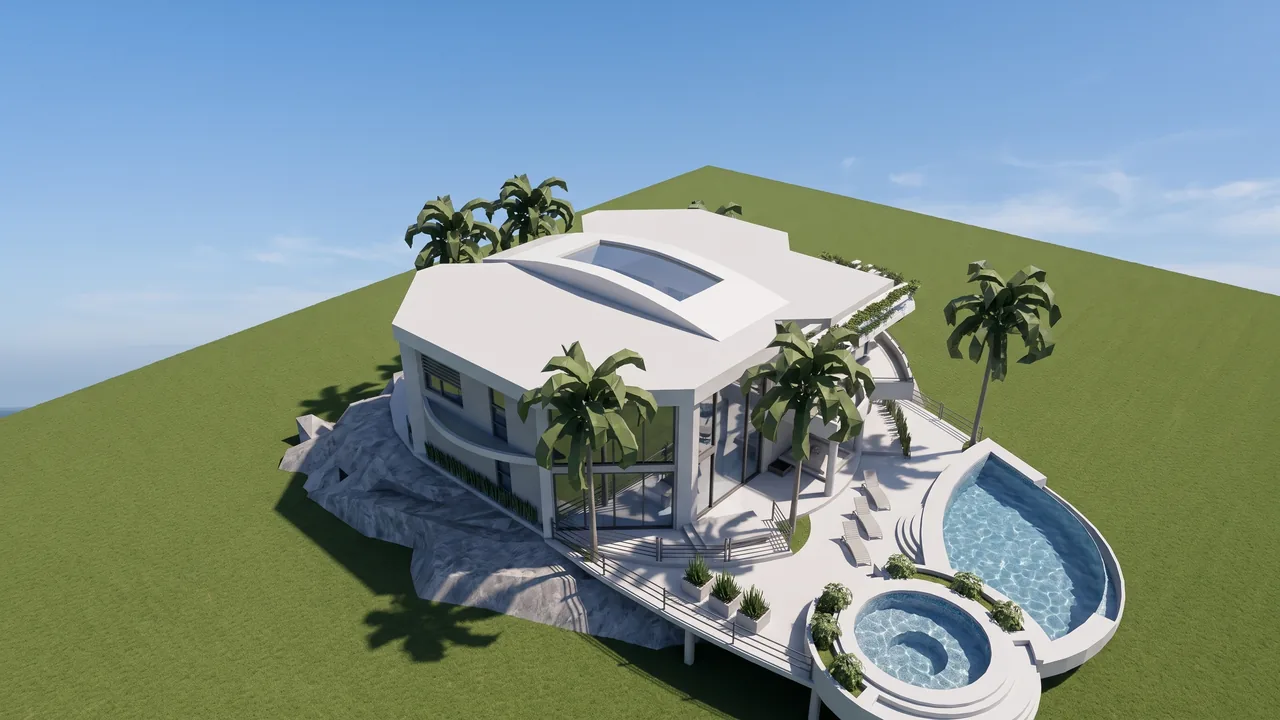
Render made with RendScene from a 3D model image.
View and display
| Shortcut | Command |
|---|---|
| Ctrl+Alt+W | Wireframe display |
| Ctrl+Alt+S | Shaded display |
| Ctrl+Alt+R | Rendered display |
| Ctrl+Alt+G | Ghosted display |
| Ctrl+Alt+X | X-Ray display |
| Ctrl+F1 | Maximize Top view |
| Ctrl+F2 | Maximize Front view |
| Ctrl+F3 | Maximize Right view |
| Ctrl+F4 | Maximize Perspective view |
| Ctrl+M | Maximize / restore viewport |
| Ctrl+Tab | Next viewport |
Navigation and camera
| Shortcut | Command |
|---|---|
| right-drag | Rotate (perspective) / pan (parallel views) |
| Shift+right-drag | Pan |
| Ctrl+right-drag/Page Up/Page Down | Zoom in / out |
| Alt+right-drag | Dolly the perspective camera in / out |
| ↑ ↓ ← → | Rotate perspective view |
| Shift+↑ ↓ ← → | Pan parallel views |
Selection
| Shortcut | Command |
|---|---|
| Ctrl+A | Select all |
| W | Window selection (alias) |
| C | Crossing selection (alias) |
| Shift+click | Add to selection |
| Ctrl+click | Remove from selection |
| Ctrl+Shift+click | Select a sub-object |
| Esc | Cancel / deselect all |
Modify
| Shortcut | Command |
|---|---|
| M | Move (alias) |
| Ctrl+J | Join |
| Ctrl+G | Group |
| Ctrl+B | Block definition |
| Ctrl+I | Insert block |
| Ctrl+C | Copy to clipboard |
| Ctrl+X | Cut |
| Ctrl+Y | Redo |
| Delete | Delete |
Hide and lock
| Shortcut | Command |
|---|---|
| Ctrl+H | Hide |
| Ctrl+Alt+H | Show all hidden objects |
| Ctrl+Shift+H | Show selected hidden objects |
| Ctrl+L | Lock |
Modes and panels
| Shortcut | Command |
|---|---|
| F1 | Help |
| F2 | Command history |
| F3 | Properties panel |
| F6 | Show camera |
| F7 | Grid (show / hide) |
| F8/O | Ortho |
| F10 | Control points on |
| F11 | Control points off |
| P | Planar mode (alias) |
File
| Shortcut | Command |
|---|---|
| Ctrl+N | New |
| Ctrl+O | Open |
| Ctrl+S | Save |
| Ctrl+P | |
| Ctrl+F | Find text |
| Ctrl+Q | Exit |
List checked on October 25, 2026 against the official Rhino help page. See the official source
Create your own shortcuts
In Rhino, shortcuts live in Tools > Options > Keyboard and aliases (one- or two-letter commands like M for Move) in Tools > Options > Aliases. You can put any command or macro on a key and export your options to another computer.
From Rhino to a photoreal render in minutes
Take a screenshot of your Rhino view (or open the 3D model right in the browser) and RendScene returns 2K or 4K renders that keep your geometry. Nothing to install, no graphics card.
- 5 free renders to try, no credit card
- Several options per render to choose from
- Change materials, light and context afterwards