AutoCAD keyboard shortcuts
The most-used AutoCAD command aliases and function keys, grouped and checked against Autodesk's official list. Type the letters on the command line and press Enter or Space. Download the free PDF.
77 official shortcuts
No sign-up, no e-mail. Print it and keep it next to your keyboard.
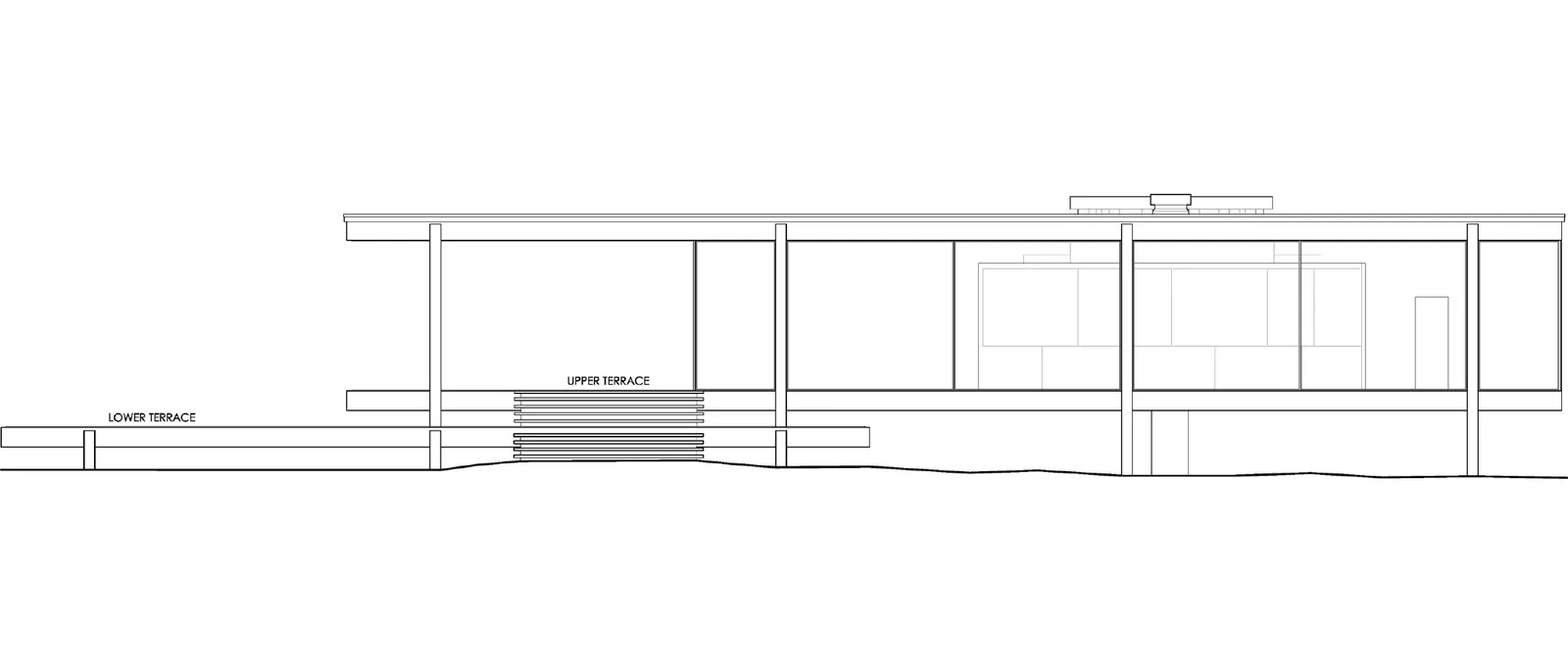
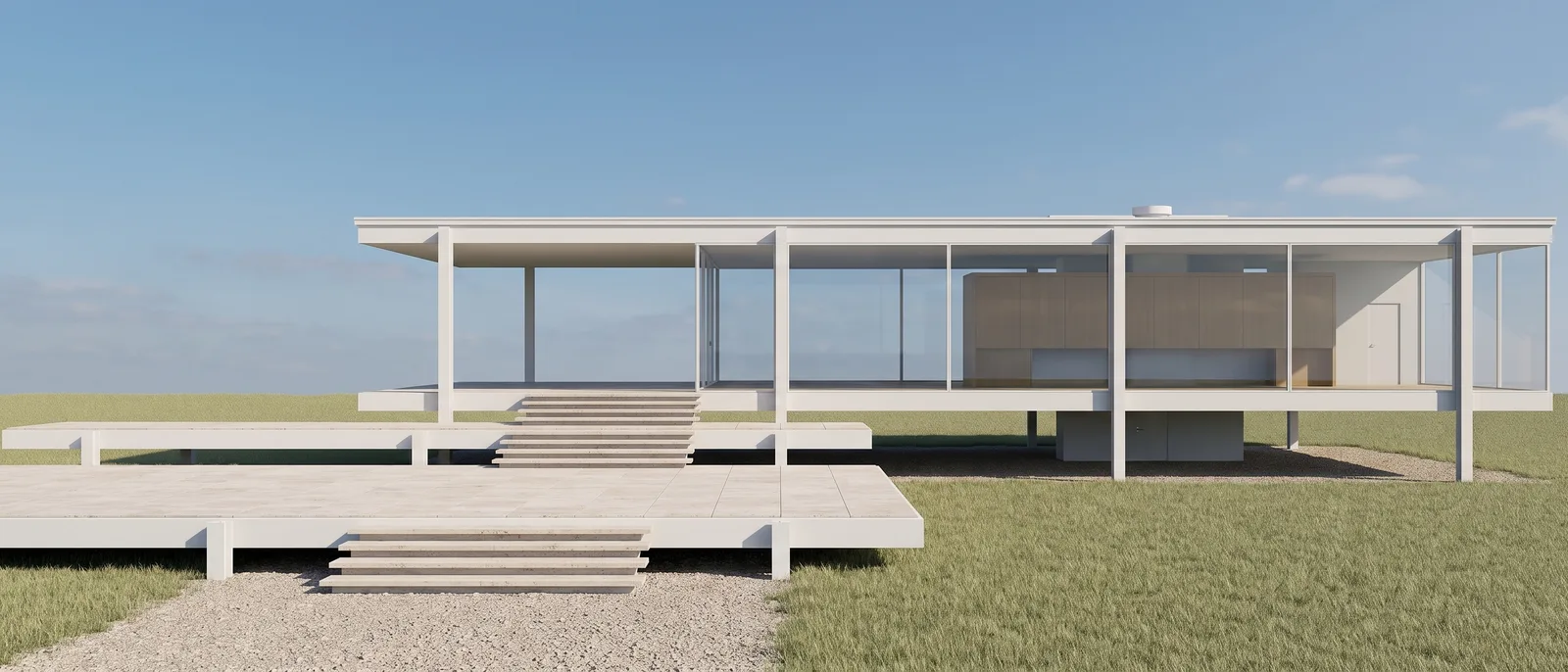
Render made with RendScene from a line elevation drawing.
Drawing
| Shortcut | Command |
|---|---|
| L | Line |
| PL | Polyline |
| REC | Rectangle |
| C | Circle |
| A | Arc |
| EL | Ellipse |
| POL | Polygon |
| SPL | Spline |
| XL | Construction line |
| PO | Point |
| H/BH | Hatch |
| T/MT | Multiline text |
| DT | Single-line text |
| B | Create block |
| I | Insert block |
| TB | Table |
Modify
| Shortcut | Command |
|---|---|
| M | Move |
| CO | Copy |
| RO | Rotate |
| SC | Scale |
| MI | Mirror |
| O | Offset |
| TR | Trim |
| EX | Extend |
| F | Fillet |
| CHA | Chamfer |
| S | Stretch |
| AR | Array |
| X | Explode |
| J | Join |
| BR | Break |
| E | Erase |
| LEN | Lengthen |
| PE | Edit polyline |
| MA | Match properties |
| G | Group |
Annotation
| Shortcut | Command |
|---|---|
| D | Dimension style |
| DAN | Angular dimension |
| DRA | Radius dimension |
| DDI | Diameter dimension |
| DCO | Continue dimension |
| DBA | Baseline dimension |
| MLD | Multileader |
| ST | Text style |
Layers and properties
| Shortcut | Command |
|---|---|
| LA | Layer properties manager |
| LT | Linetype |
| LW | Lineweight |
| COL | Color |
| PR/CH/MO | Properties |
| Ctrl+1 | Properties palette |
View and display
| Shortcut | Command |
|---|---|
| P | Pan |
| RE | Regenerate |
| ORBIT | 3D orbit |
| V | View manager |
| VS | Visual style |
| HI | Hide (hidden lines) |
| LO | Layout |
| Ctrl+0 | Clean screen |
| Ctrl+9 | Command line (show / hide) |
Modes and panels
| Shortcut | Command |
|---|---|
| F2 | Text window |
| F3 | Object snap (Osnap) |
| F7 | Grid |
| F8 | Ortho mode |
| F9 | Snap mode |
| F10 | Polar tracking |
| F11 | Object snap tracking |
| F12 | Dynamic input |
| OS | Object snap settings |
Other
| Shortcut | Command |
|---|---|
| DI | Distance |
| AA | Area |
| ME | Measure (mark by length) |
| LI | List |
| PU | Purge |
| XR | External references |
| EPDF | Export to PDF |
| OP | Options |
| QC | QuickCalc |
List checked on October 25, 2026 against the official AutoCAD help page. See the official source
Create your own shortcuts
Aliases (the letters you type) live in the acad.pgp file: Manage > Customization > Edit Aliases opens it, you change or add aliases, save, and type REINIT (or restart AutoCAD) to load them. Ctrl shortcuts and function keys are changed with the CUI command, under Keyboard Shortcuts.
From an AutoCAD plan to a photorealistic render
Export your AutoCAD floor plan, section or elevation as an image or PDF and RendScene returns 2K or 4K renders that follow your drawing. Nothing to install, no graphics card.
- 5 free renders to try, no credit card
- Several options per render to choose from
- Change materials, light and context afterwards