Revit keyboard shortcuts
Revit's most used two-letter shortcuts, grouped and checked against Autodesk's official list. In Revit you just type the letters, no Enter needed. Download the free PDF.
80 official shortcuts
No sign-up, no e-mail. Print it and keep it next to your keyboard.
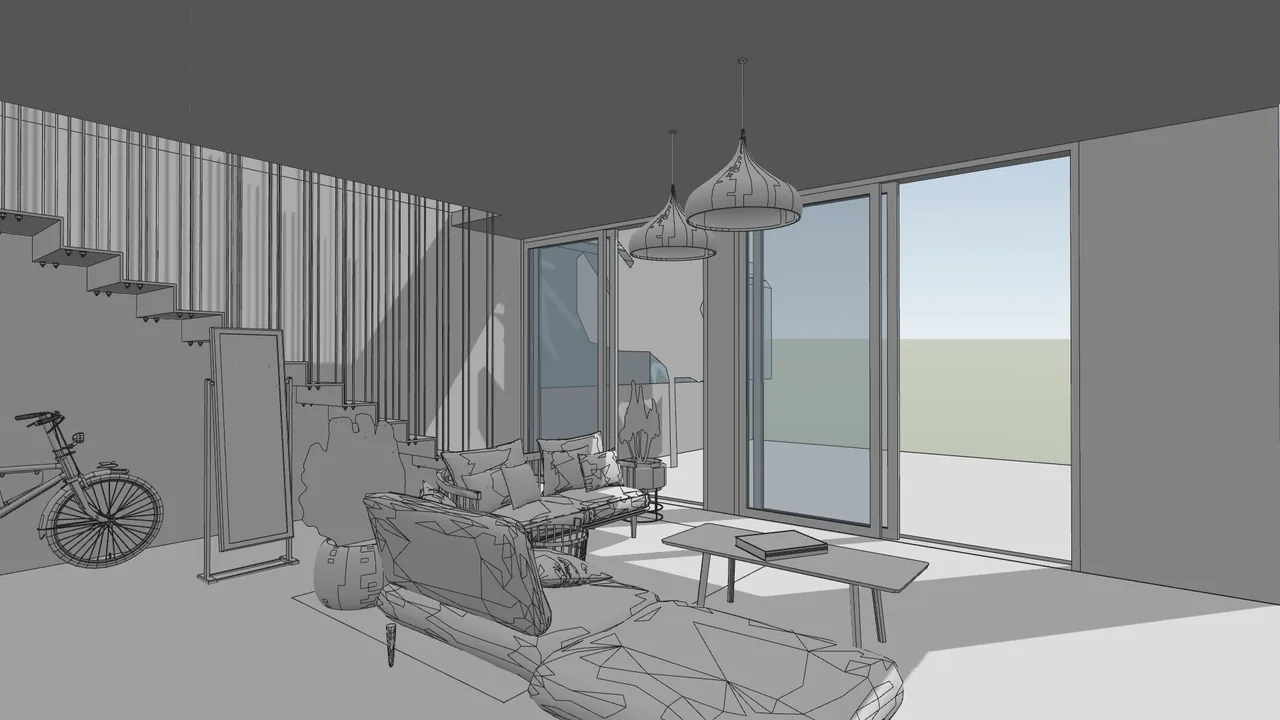
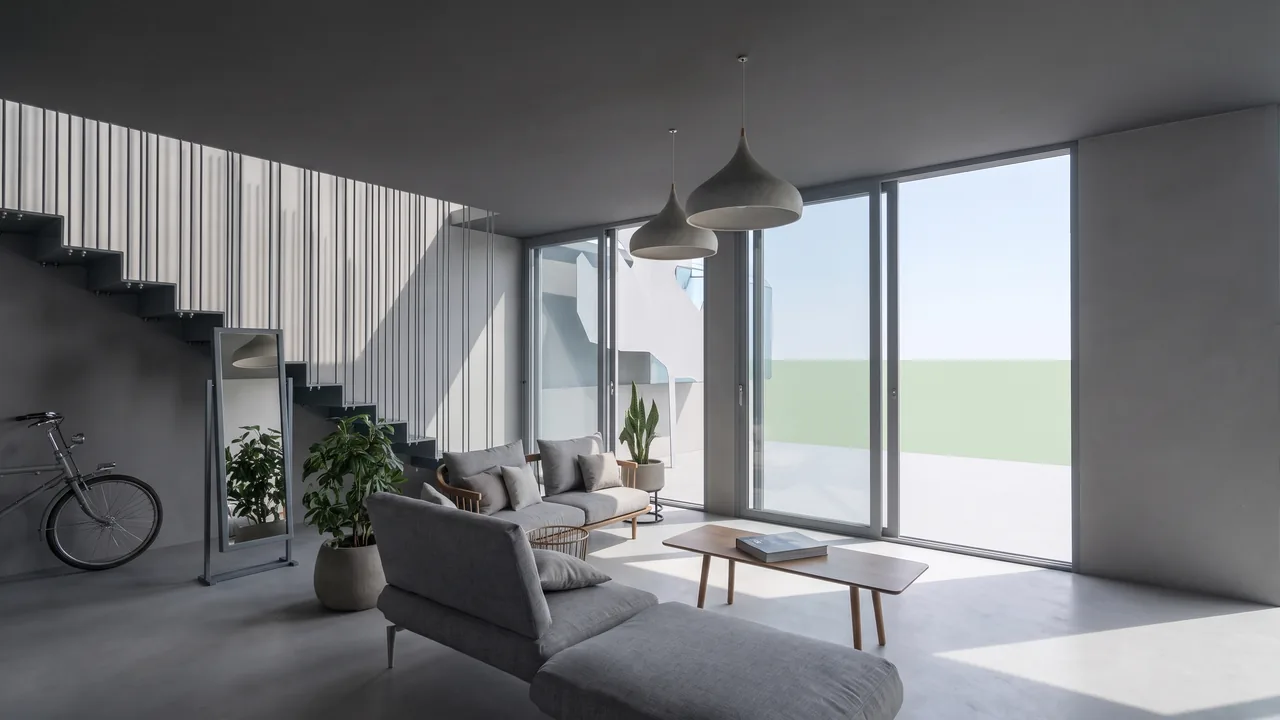
Render made with RendScene from a 3D model image.
Modeling
| Shortcut | Command |
|---|---|
| WA | Wall |
| DR | Door |
| WN | Window |
| CM | Place a Component |
| CL | Column / Structural Column |
| SB | Floor / Structural Floor |
| RM | Room |
| RT | Room Tag |
| GR | Grid |
| LL | Level |
| RP | Reference Plane |
| LI | Model Line |
Annotation
| Shortcut | Command |
|---|---|
| DI | Aligned Dimension |
| DL | Detail Line |
| EL | Spot Elevation |
| TX | Text |
| TG | Tag by Category |
| FR | Find/Replace |
| GP | Group (Model or Detail) |
Modify
| Shortcut | Command |
|---|---|
| MV | Move |
| CO/CC | Copy |
| RO | Rotate |
| AL | Align |
| OF | Offset |
| TR | Trim/Extend to Corner |
| SL | Split Element |
| SF | Split Face |
| AR | Array |
| MM | Mirror — Pick Axis |
| DM | Mirror — Draw Axis |
| RE | Scale |
| PN | Pin |
| DE | Delete |
| PT | Paint |
| MA | Match Type Properties |
| CS | Create Similar |
| LW | Linework |
| EG | Edit Group |
| UG | Ungroup |
| RC | Repeat Last Command |
| SA | Select All Instances (Entire Project) |
| PP/Ctrl+1/VP | Properties palette (show/hide) |
View and display
| Shortcut | Command |
|---|---|
| VG/VV | Visibility/Graphics |
| TL | Thin Lines |
| WF | Wireframe |
| HL | Hidden Line |
| SD | Shaded with Edges |
| RY | Ray Trace |
| GD | Graphic Display Options |
| HH | Hide Element |
| HC | Hide Category |
| HI | Isolate Element |
| IC | Isolate Category |
| HR | Reset Temporary Hide/Isolate |
| RH | Reveal Hidden Elements (toggle) |
| RR | Render |
| RD | Render in Cloud |
| RG | Render Gallery |
| KS | Keyboard Shortcuts (dialog) |
| WT | Tile Windows |
| WC | Cascade Windows |
Navigation and camera
| Shortcut | Command |
|---|---|
| ZE/ZF/ZX | Zoom to Fit |
| ZA | Zoom All to Fit |
| ZR/ZZ | Zoom In Region |
| ZO/ZV | Zoom Out (2X) |
| ZP/ZC | Previous Pan/Zoom |
| 3F | Fly Mode |
| 3W | Walk Mode |
| 3O | Object Mode |
| 32 | 2D Mode |
Snaps (precision)
| Shortcut | Command |
|---|---|
| SE | Endpoints |
| SM | Midpoints |
| SI | Intersections |
| SC | Centers |
| SN | Nearest |
| SP | Perpendicular |
| ST | Tangents |
| SQ | Quadrants |
| SO | Snaps Off |
| SS | Turn Override Off |
List checked on October 25, 2026 against the official Revit help page. See the official source
Create your own shortcuts
Type KS (or go to View > User Interface > Keyboard Shortcuts) to open the shortcuts dialog. There you can search any command, change its letters and export the list to a file to use on another computer or with your team.
From Revit to a photoreal render in minutes
Take a screenshot of your Revit view (or open the 3D model right in the browser) and RendScene returns 2K or 4K renders that keep your geometry. Nothing to install, no graphics card.
- 5 free renders to try, no credit card
- Several options per render to choose from
- Change materials, light and context afterwards