Archicad keyboard shortcuts
The default Archicad shortcuts you use every day, grouped and checked against Graphisoft's official knowledge base. On a Mac, use Cmd instead of Ctrl. Download the free PDF.
25 official shortcuts
No sign-up, no e-mail. Print it and keep it next to your keyboard.
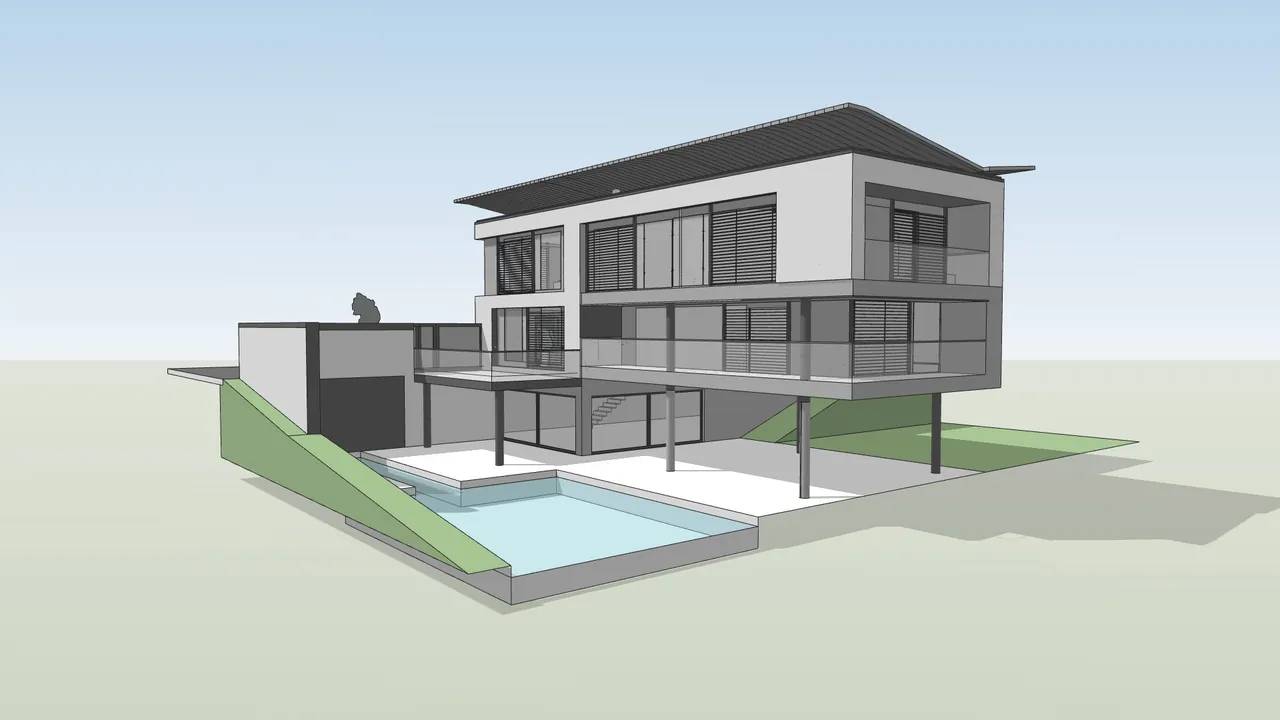
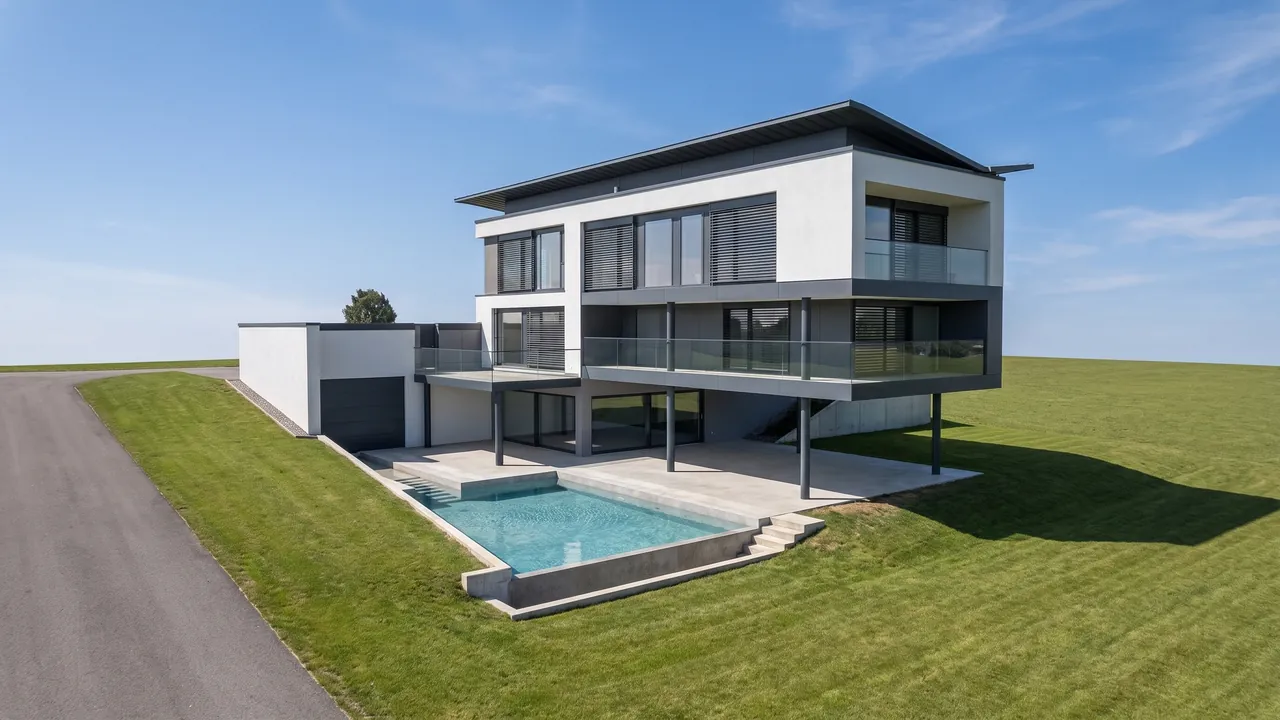
Render made with RendScene from a 3D model image.
Selection
| Shortcut | Command |
|---|---|
| Tab | Highlight toggle (overlapping elements) |
| Space | Quick Selection (with the Arrow tool) |
| Space+click | Magic Wand |
| Shift | Instant Arrow tool (hold) |
| Ctrl+A | Select All |
| W | Activate last used tool |
| Page Up/Page Down | Previous / next tool in the Toolbox |
| F | Switch Pet Palette items |
Modify
| Shortcut | Command |
|---|---|
| Ctrl+D | Drag |
| Ctrl+Shift+D | Drag a Copy |
| Ctrl+E | Rotate |
| Ctrl+Shift+E | Rotate a Copy |
| Ctrl+M | Mirror |
| Ctrl+Shift+M | Mirror a Copy |
| Ctrl+9 | Elevate |
| Ctrl+G | Group |
| Alt/Ctrl+Alt | Pick Up / Inject Parameters |
Navigation and camera
| Shortcut | Command |
|---|---|
| F2 | Floor Plan |
| F3 | 3D Window |
| Ctrl+F5 | Show All in 3D |
| Shift+middle-drag | Temporary orbit |
| double middle-click | Fit in Window |
| Ctrl+Tab/Ctrl+Shift+Tab | Next / previous tab |
Other
| Shortcut | Command |
|---|---|
| Q | Force snap reference display |
| M | Measure distance and area |
List checked on October 25, 2026 against the official Archicad help page. See the official source
Create your own shortcuts
Go to Options > Work Environment > Keyboard Shortcuts to find any command, assign the key you want and save it all in a shortcut scheme you can take to another computer. The Show Shortcut List in Browser button opens the full list for your version.
From Archicad to a photoreal render in minutes
Take a screenshot of your Archicad view (or open the 3D model right in the browser) and RendScene returns 2K or 4K renders that keep your geometry. Nothing to install, no graphics card.
- 5 free renders to try, no credit card
- Several options per render to choose from
- Change materials, light and context afterwards