An empty room, furnished. A dated one, redone.
Upload a photo or render of an empty room, a room under construction or one that needs new furniture. Pick a style or describe the pieces you want. Walls, windows and floor stay; furniture and decoration are added.
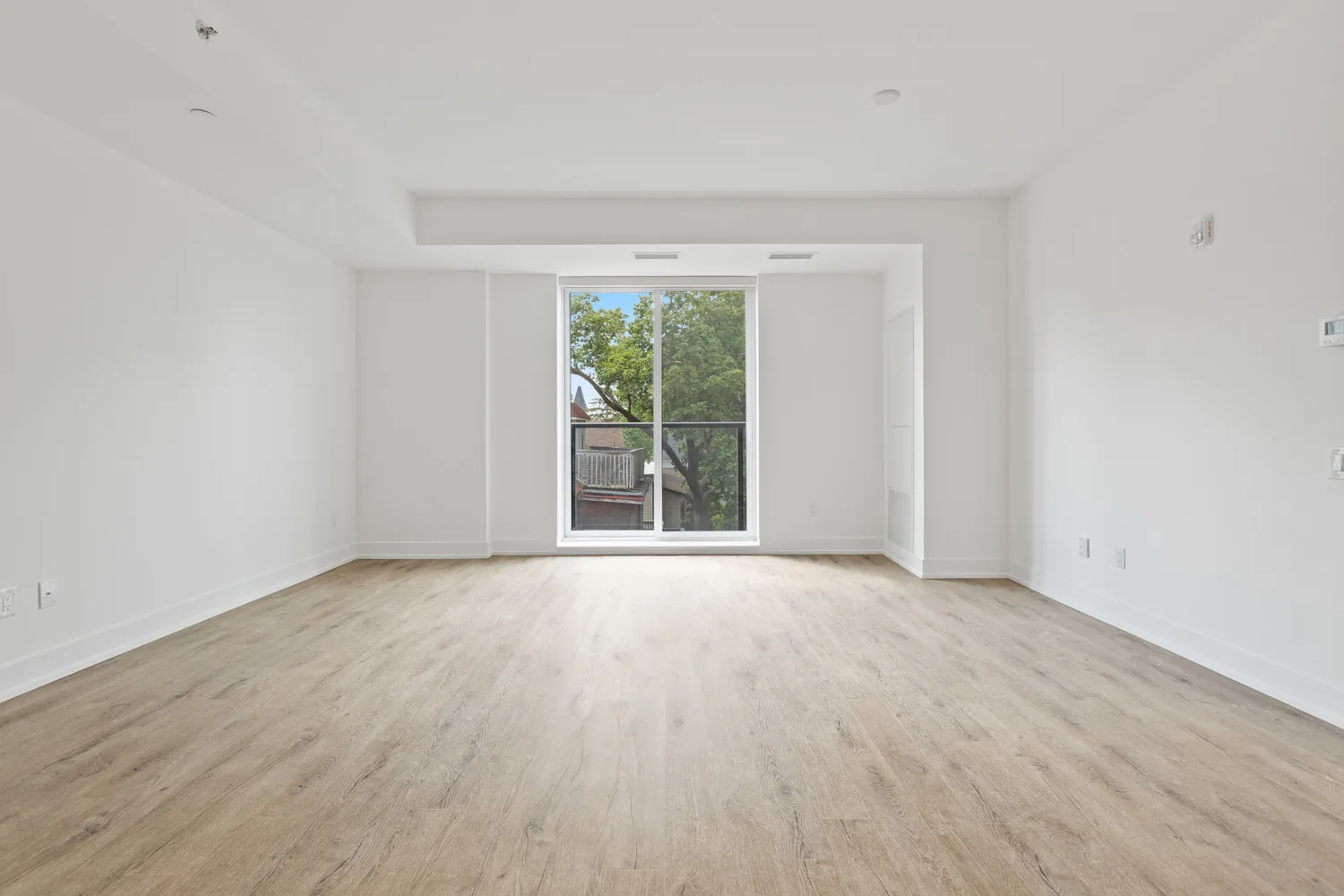
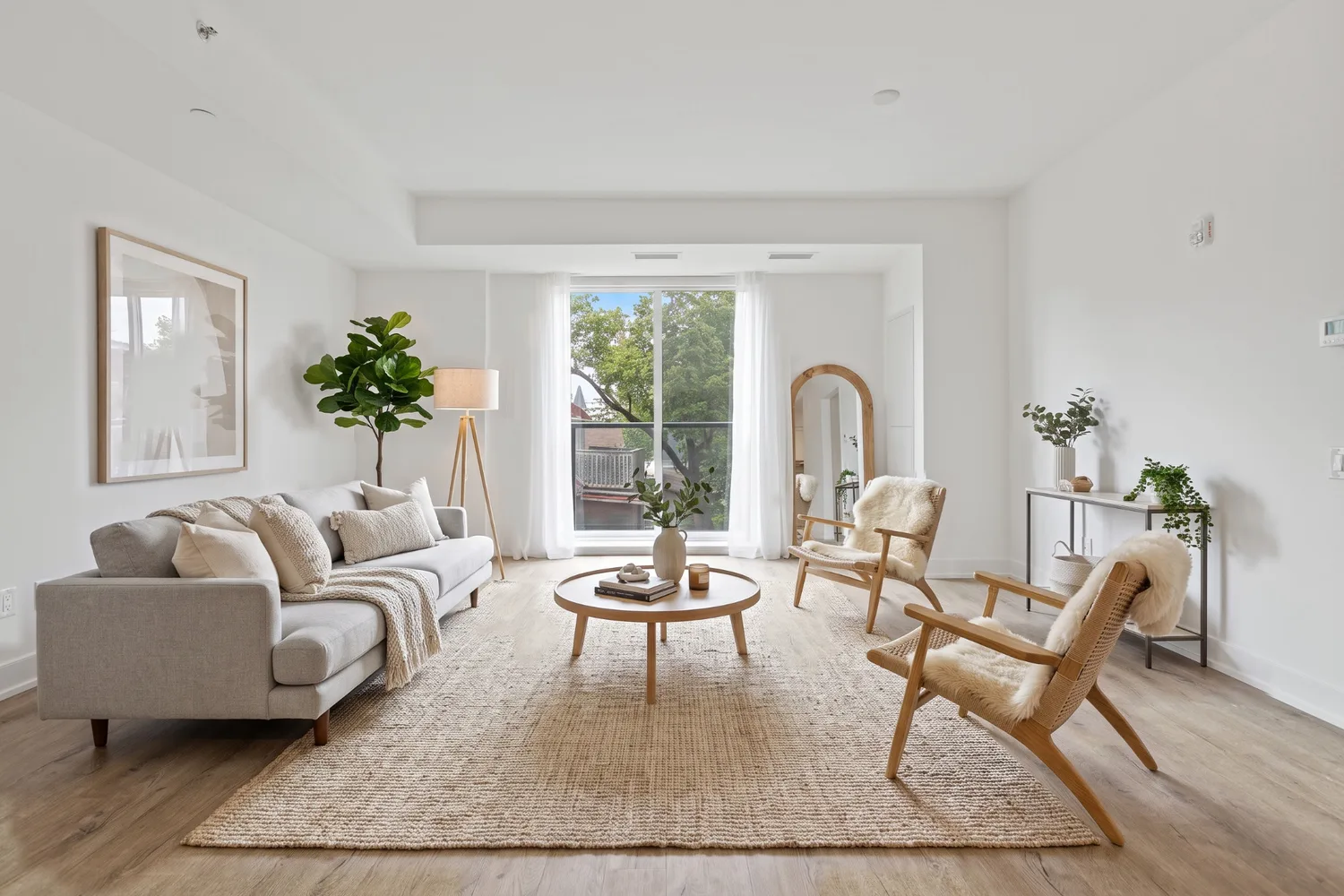
Before
After
Drag the handle to compare. Works with mouse and touch.
How it works
Furnish a room in three steps.
Three steps. No 3D software, no learning curve.
- 1
Upload a photo or render
An empty room, a room under construction or one that needs new furniture.
- 2
Choose the style
Pick a style or describe the pieces you want.
- 3
Get the furnished room
Walls, windows and floor stay; furniture and decoration are added.
What you upload
What to send
- A photo or render of the room, taken from where you stood: empty, under construction or already furnished.
- Keep the whole room in frame: floor, walls and at least one window or door.
- PNG, JPG, WEBP or PDF.
Accepted files: PNG, JPG, WEBP or PDF.
- What stays
- Floor, walls, ceiling, windows, doors, built-in units and the camera stay exactly as in the image.
- What the AI adds
- Furniture, textiles, lighting and decoration, in the style you choose or the pieces you describe. Or the real products from the photos you upload.
- Resolution
- Render natively in 2K or 4K, or upscale later from 2K to 4K
- After rendering
- Swap materials, remove and add objects without touching the rest of the image
- What this feature doesn't do
- Exact dimensions: the image is a presentation, not a construction document.
Examples
The same room, furnished.
Every pair below is a real RendScene render made from the image on the left.
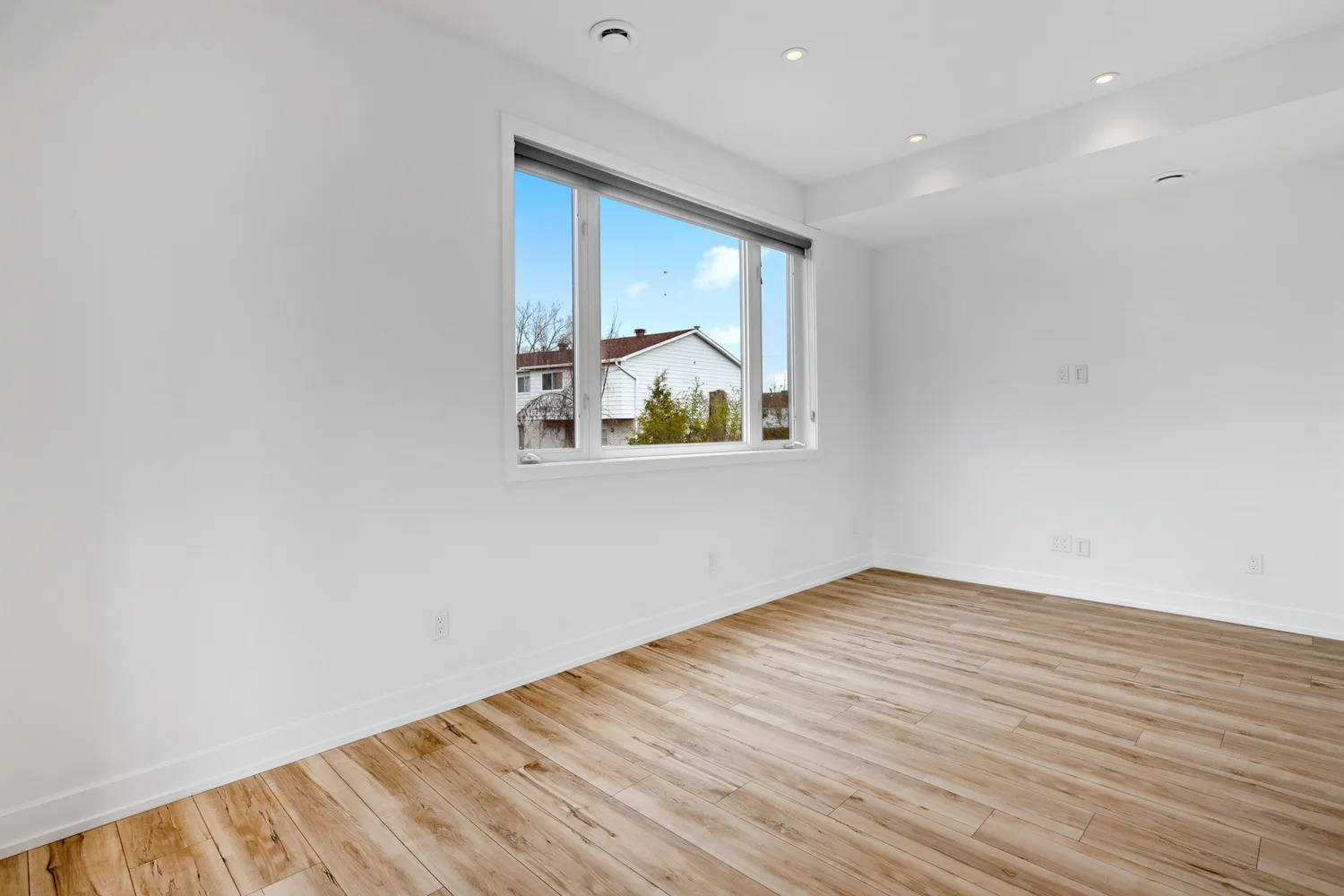
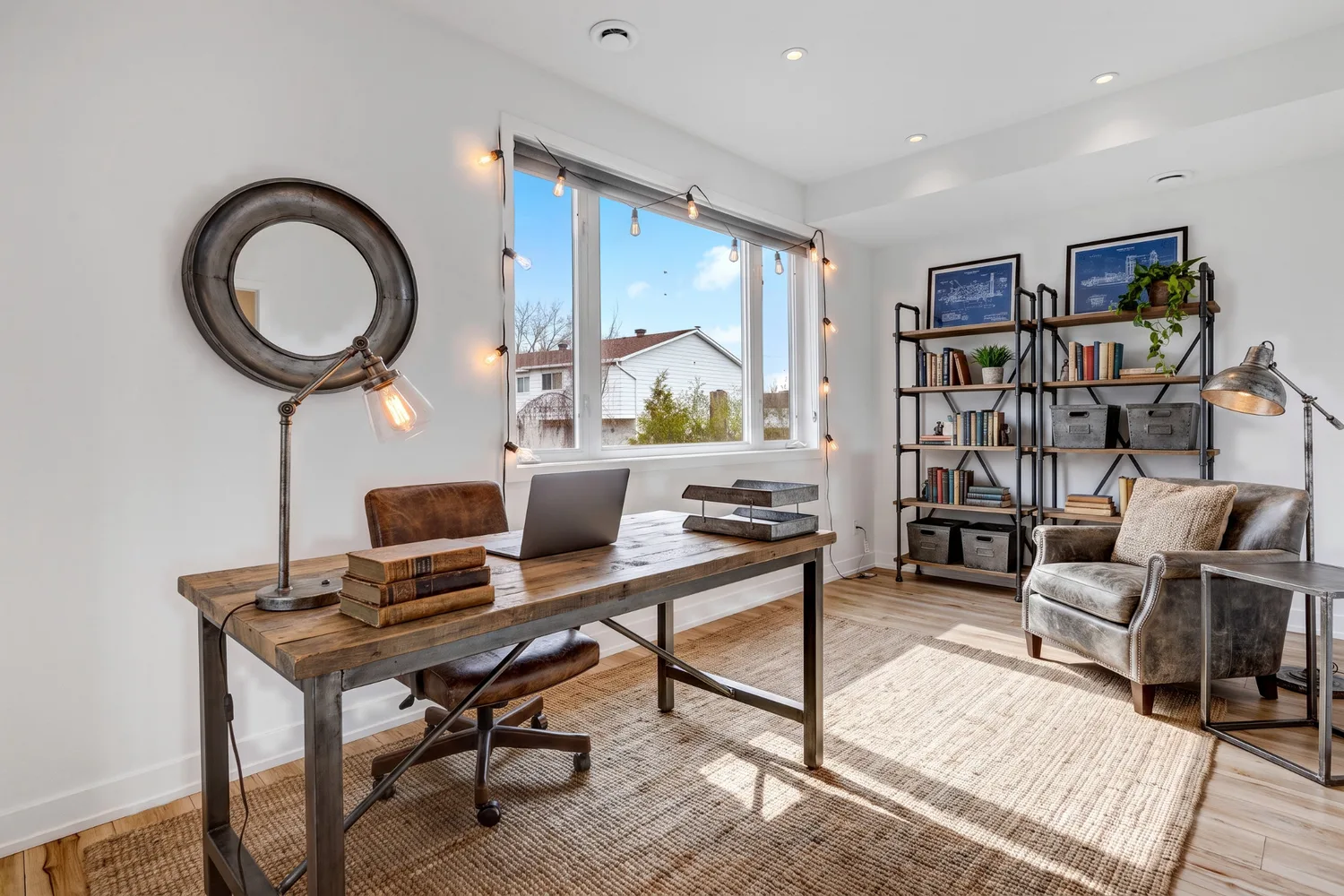
Before
After
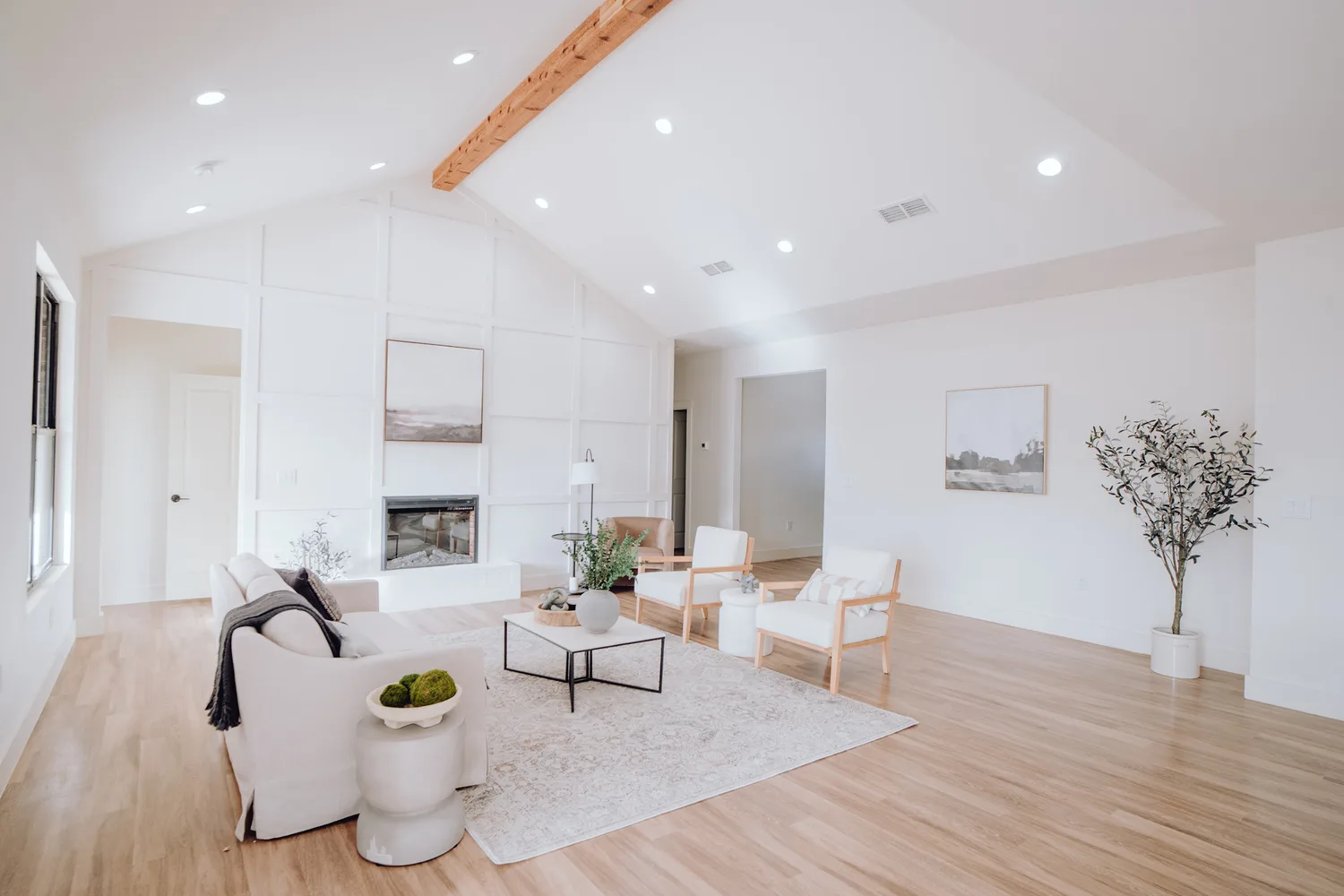
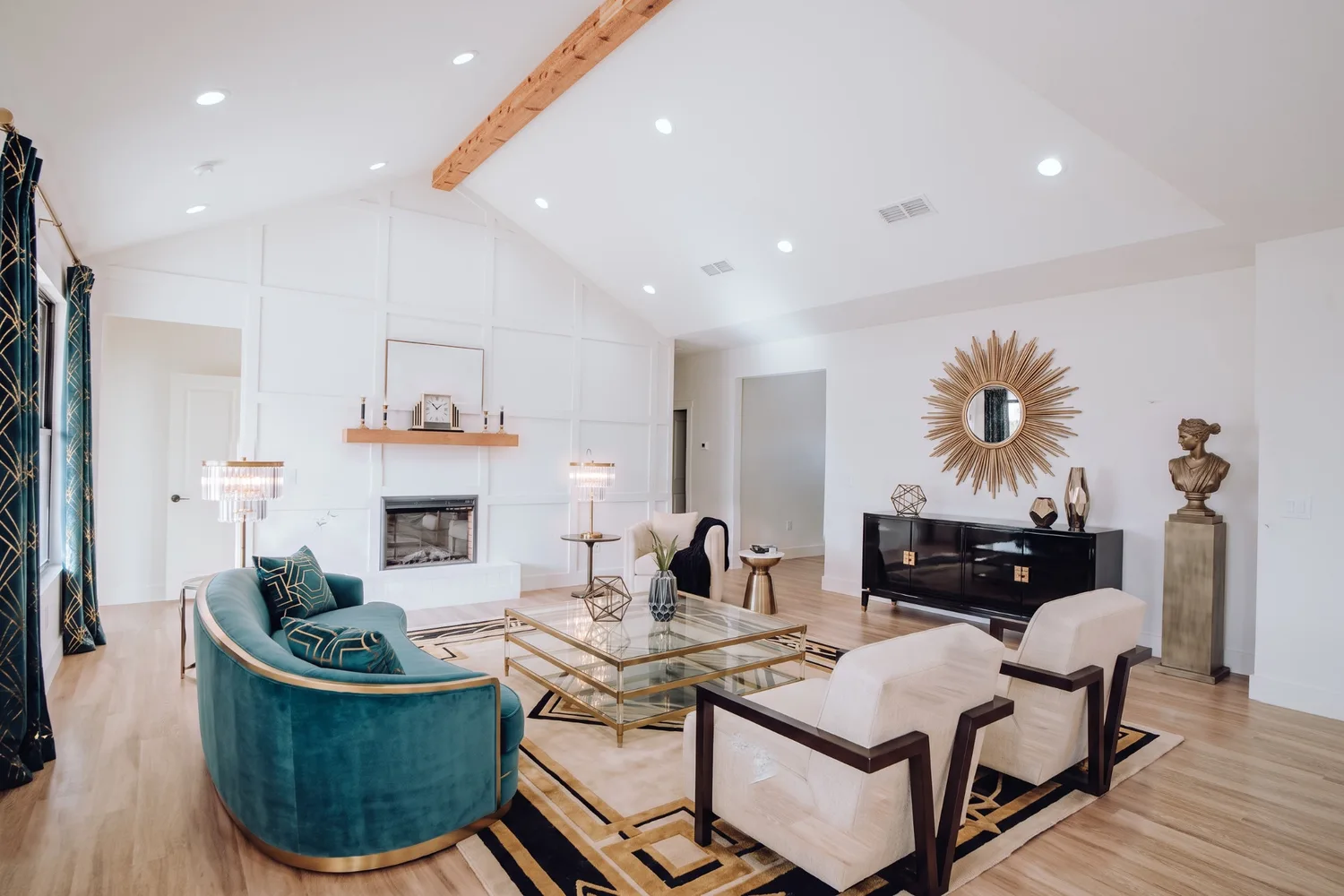
Before
After
FAQ
Furnish a room, answered.
Yes. An empty room, a room under construction or one that needs new furniture all work.
Other features
Ten ways to start. One render you can present.
- RenderingFrom CAD to final image in three clicks.
- Sketch to renderFrom a hand drawing to a photorealistic final image.
- Floor plan to renderA line plan becomes a furnished, textured plan.
- Photo to renderAn existing facade renovated, an existing room furnished.
- Improve renderThe same scene, more realistic.
- Elevation to renderThe same elevation, with materials, glass, shadows and sky.
- Section to renderThe same section, with materials, furniture, light and sky.
- Landscape designThe same place, from the same camera, with a designed garden.
- Create from scratchStart from a description, with no image at all.
- Resolution enhancerMore resolution, original render untouched.
Then, on the result
- Style transferApply any aesthetic without touching the geometry.
- Render editorSelect an area and swap materials on the spot.
- Atmosphere controlChange the light without redoing the scene.
- Furnish a roomFurniture in an empty or dated room.
- AnimationsFrom still image to cinematic in seconds.
- History and exportAll your work saved and organised.