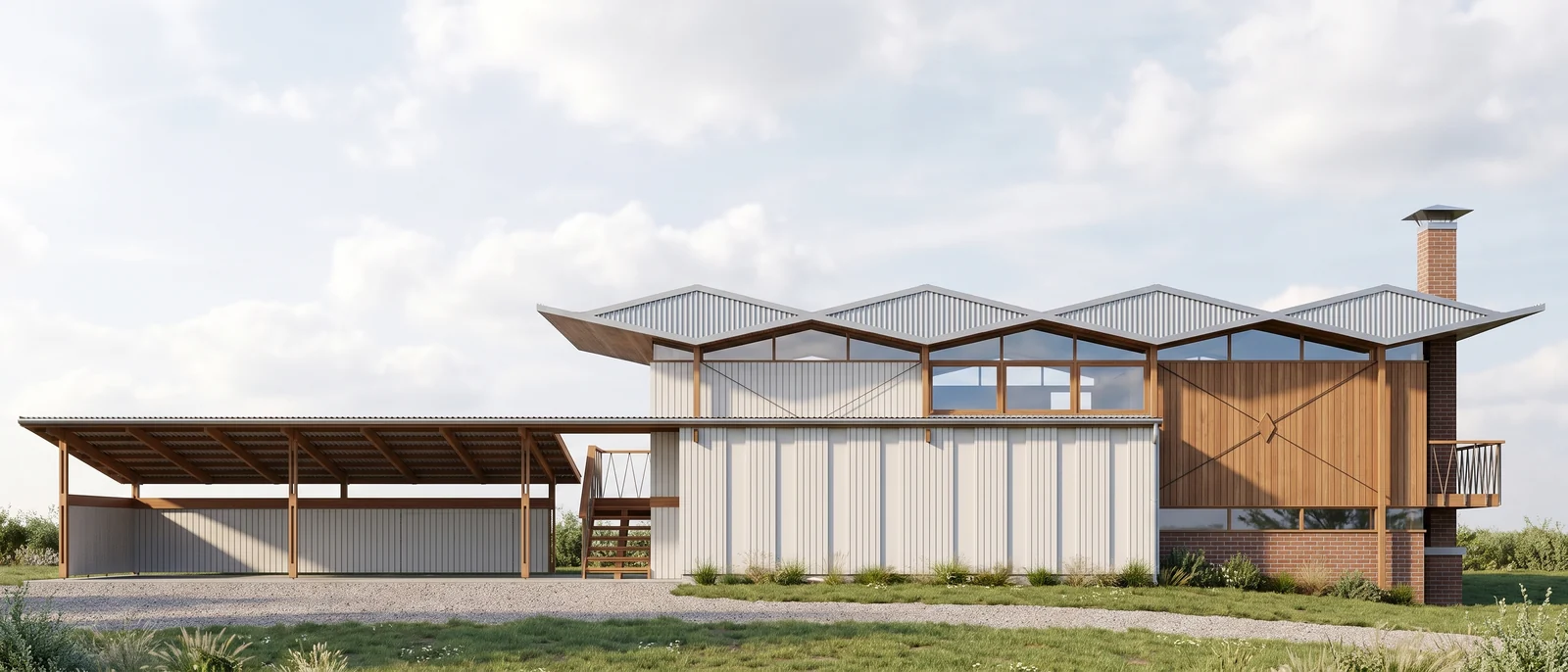
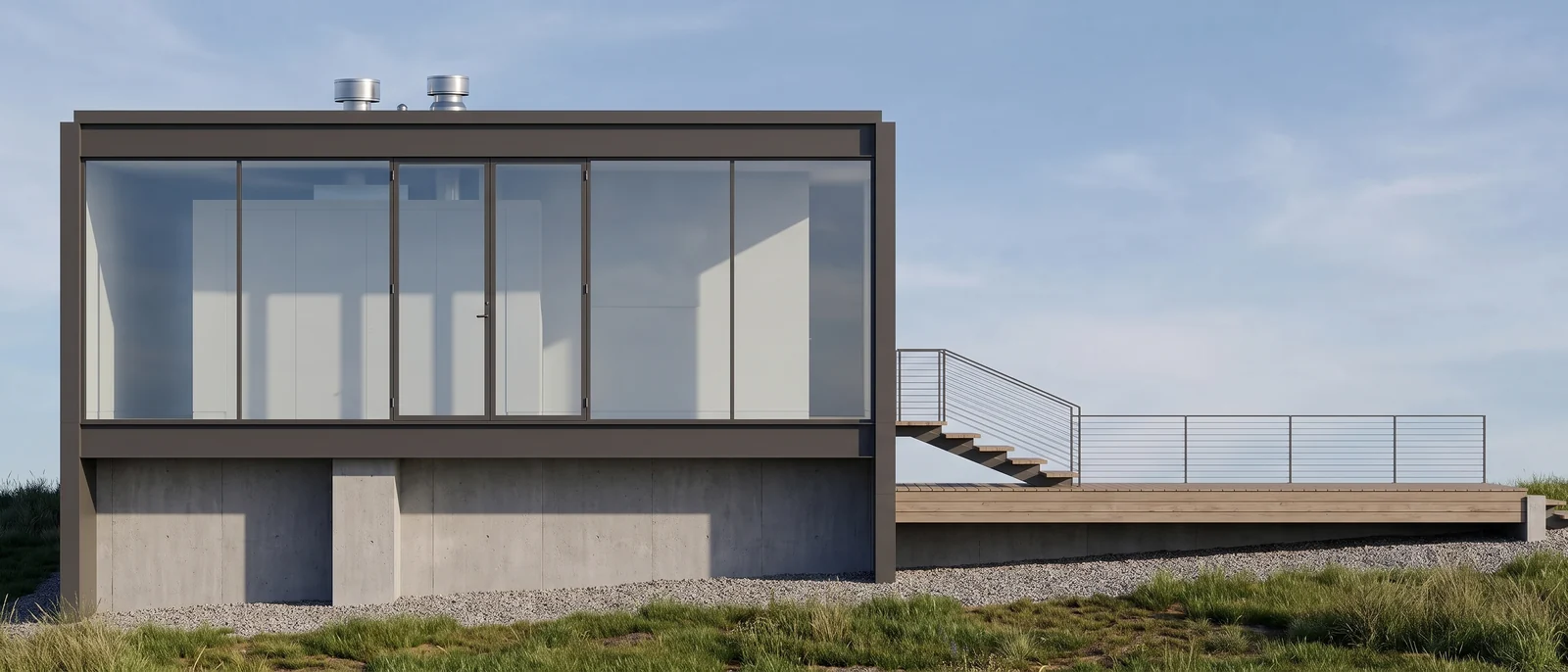
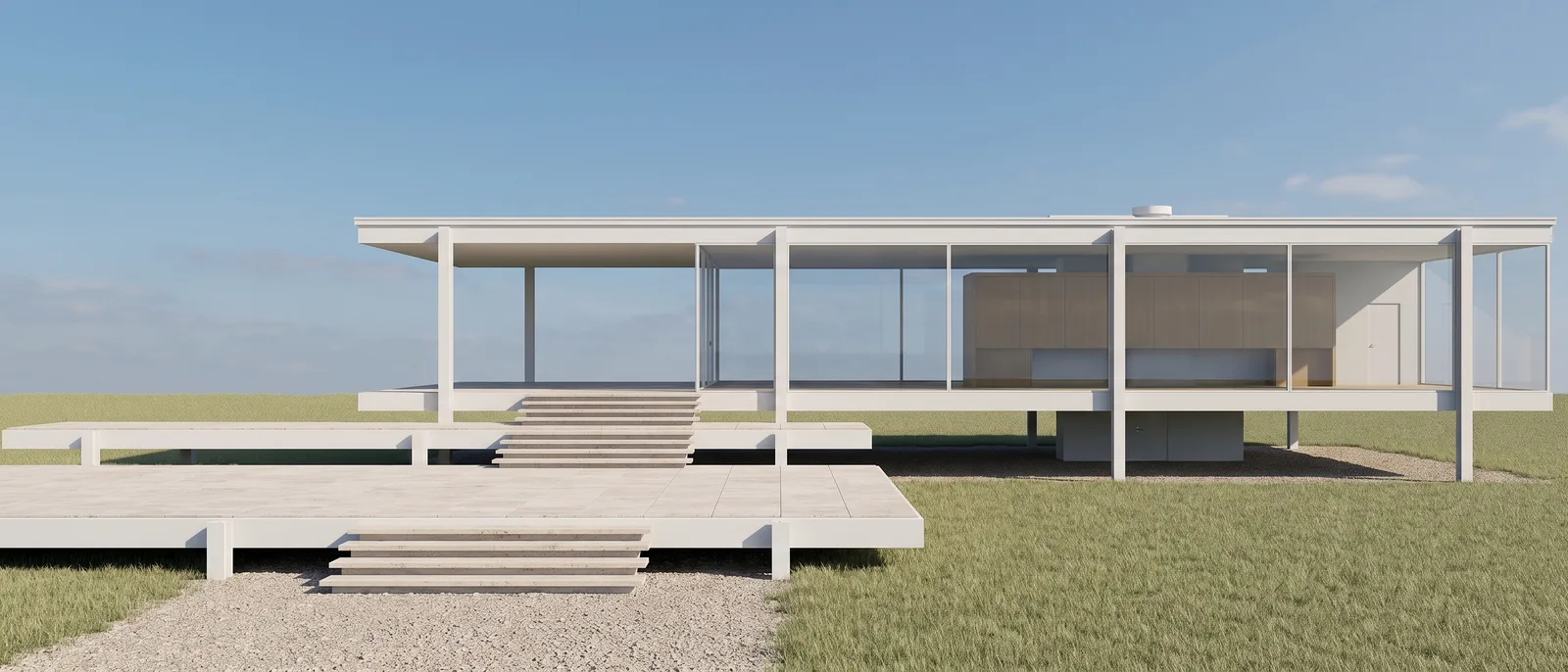
Elevation to render: the south facade of the Segraves Residence
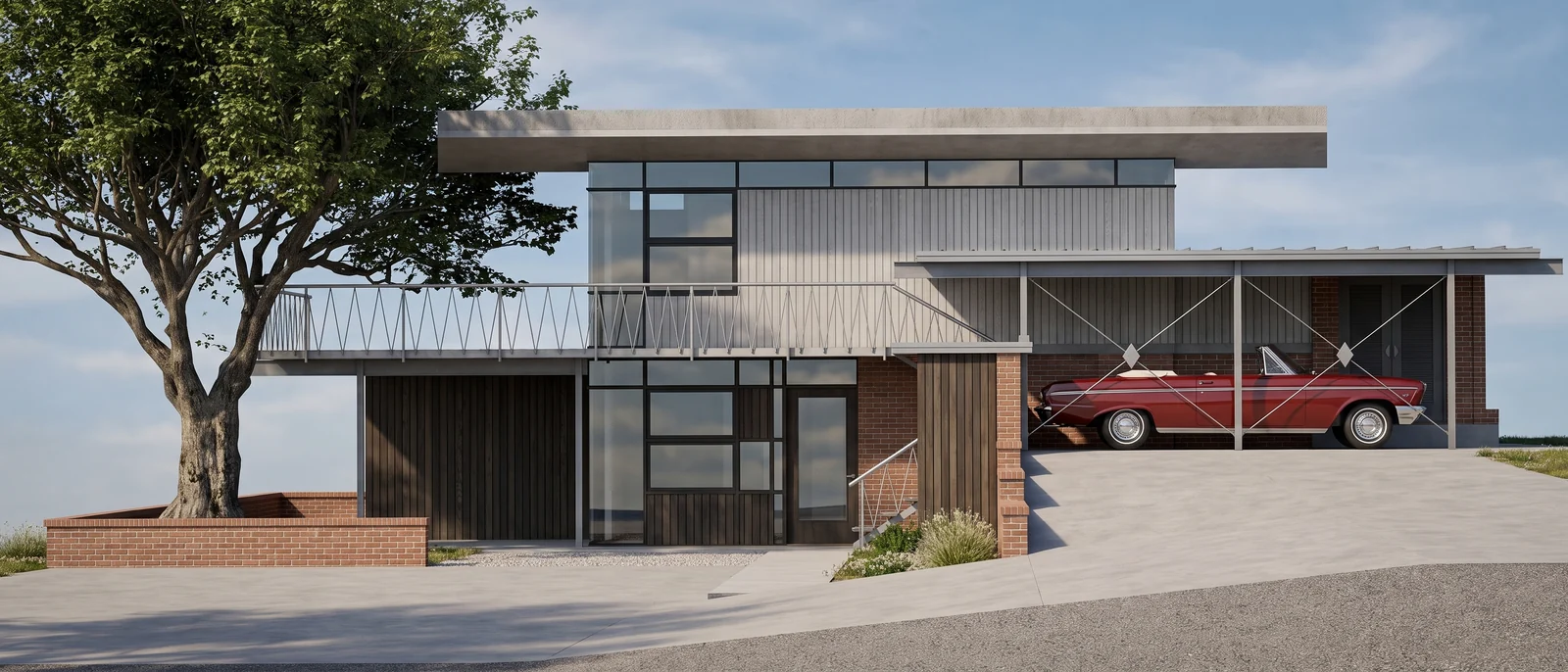
The input was the measured south elevation of the Segraves Residence, a line drawing with a tree and a car drawn in. RendScene kept the geometry flat and frontal and added materials, a real tree and the car.
Input: ElevationFeature: Elevation to render
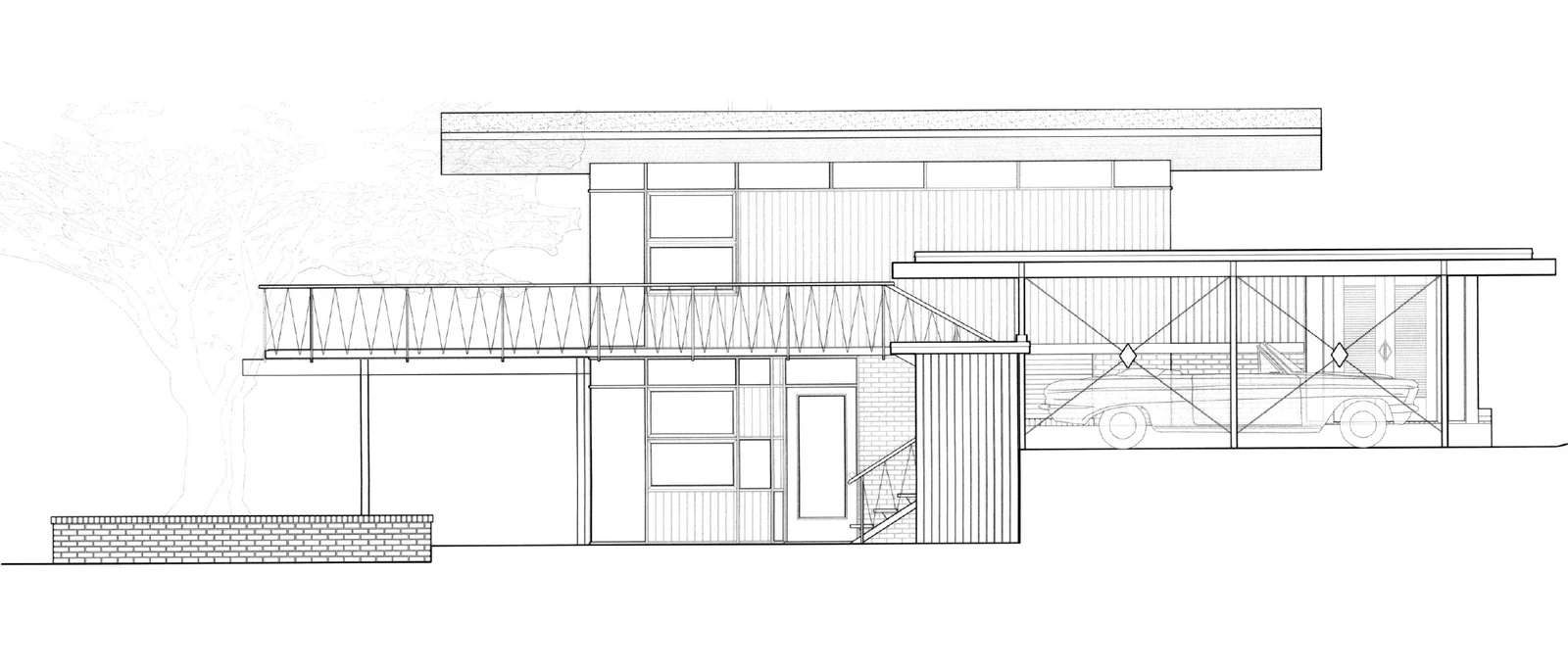
Before
After
Drag the slider to compare the original with the render.
What changed — and what stayed the same
- The geometry of the facade stayed exactly as drawn.
- Brick, timber and glass replaced the line work.
- The drawn tree and car became a real tree and a real car.
- The view is still frontal and flat, true to the drawing.
How to do it
Get the same result with your own image
- 1
Export your elevation as an image, with the facade filling most of the frame.
- 2
Choose the elevation option and describe the materials you have in mind.
- 3
Generate, compare the options and use the render on your boards or presentation.
Questions about this example
They are turned into real ones in the same place, so the render keeps the composition of your drawing.
Yes. The images you create in RendScene are yours to use in presentations, proposals, listings and social media. Free trial renders carry a watermark; paid plans don't.
No. RendScene runs in the browser on any computer, and the rendering happens on our servers.