Modern house: from a pencil sketch to a photorealistic render
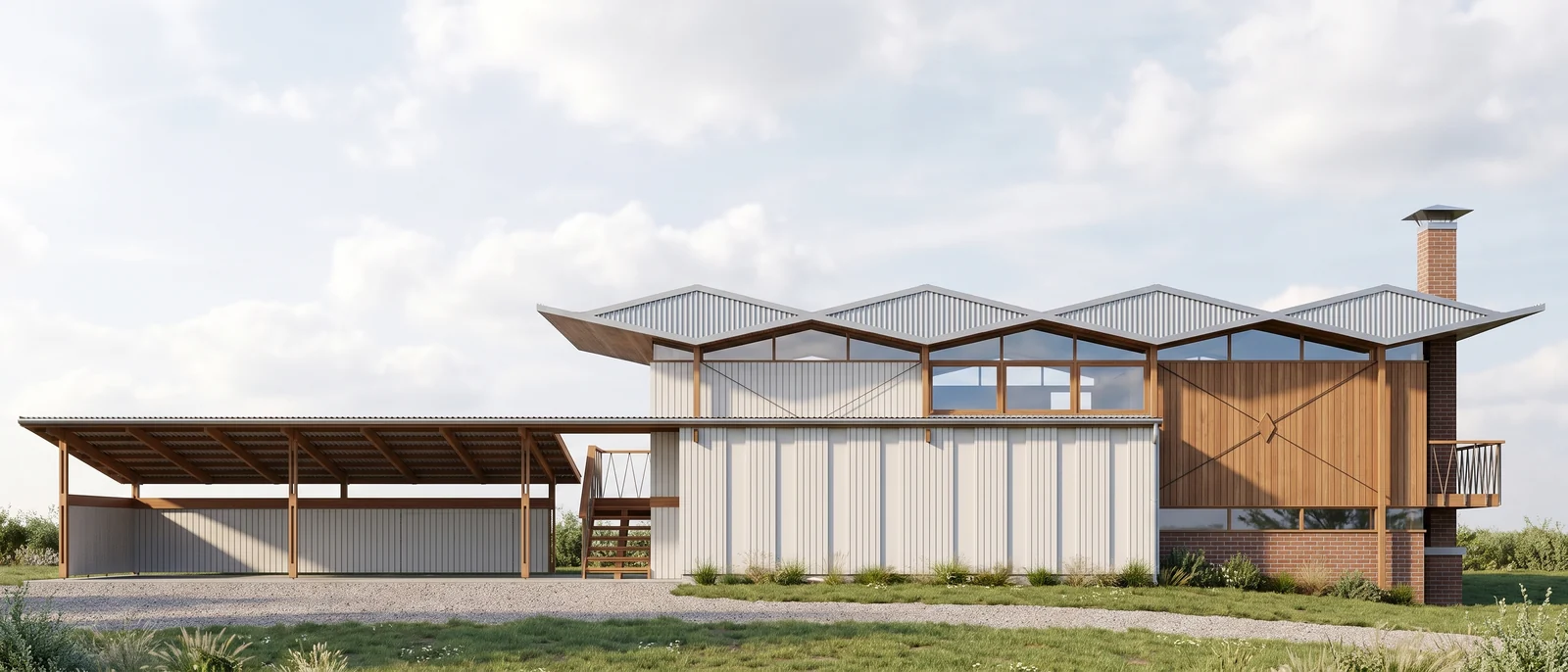
The input was a hand-drawn pencil sketch of a modern house with two stacked volumes and a reflecting pool. RendScene read the volumes, openings and pool from the drawing and turned them into a dusk scene with wood, concrete, glass and warm interior light.
Input: Hand sketchFeature: Sketch to render


Before
After
Drag the slider to compare the original with the render.
What changed — and what stayed the same
- The two volumes, the overhanging upper box and the large glass openings follow the sketch.
- Pencil lines became materials: wood cladding on the upper box, concrete and glass below.
- The water in front now reflects the house, under a blue dusk sky with warm light inside.
- Context was added around the house: trees, lawn, outdoor furniture and people for scale.
How to do it
Get the same result with your own image
- 1
Photograph or scan your sketch. A clean drawing with clear lines gives the most faithful result.
- 2
Choose the sketch option and describe what the lines don't show: materials, time of day, surroundings.
- 3
Generate, pick the best option and refine details with Edit if needed.
Questions about this example
No. Quick freehand sketches work. The clearer the lines and proportions, the closer the render stays to your drawing.
Yes. The images you create in RendScene are yours to use in presentations, proposals, listings and social media. Free trial renders carry a watermark; paid plans don't.
No. RendScene runs in the browser on any computer, and the rendering happens on our servers.