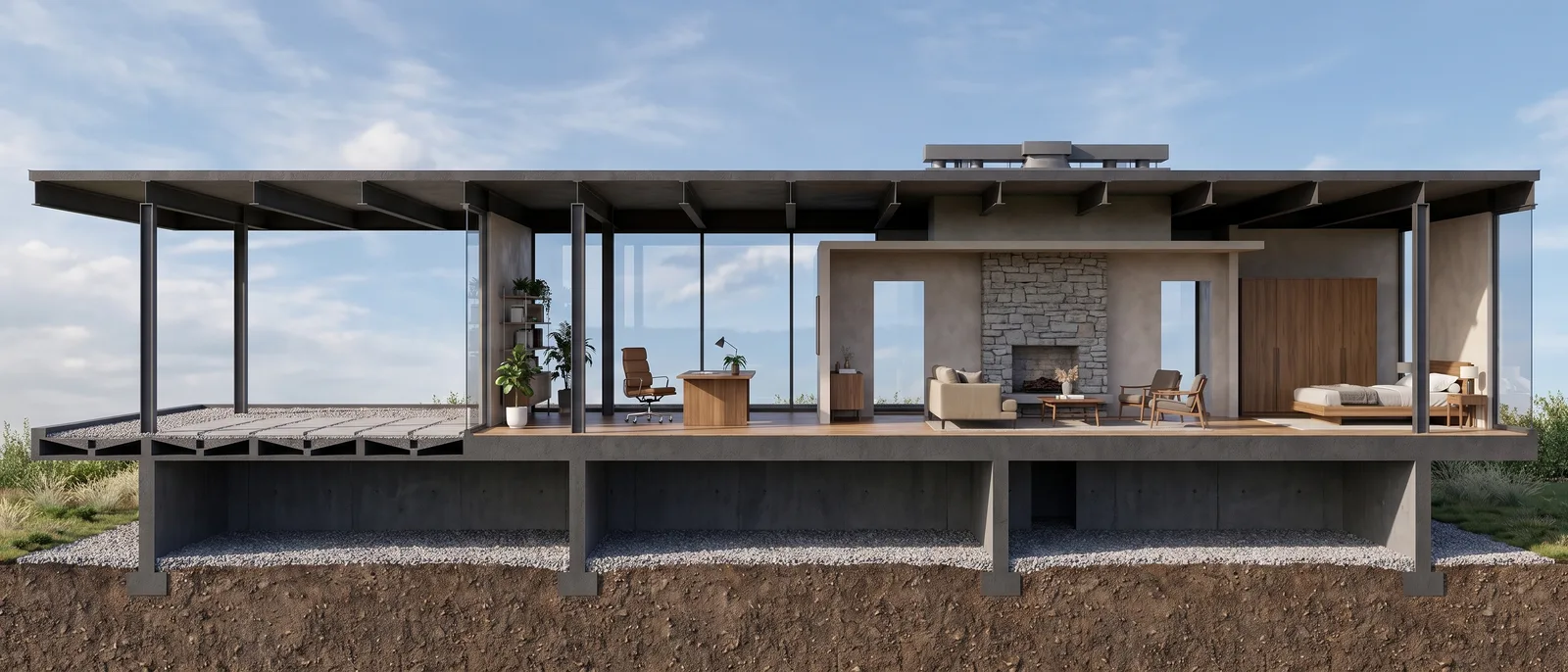
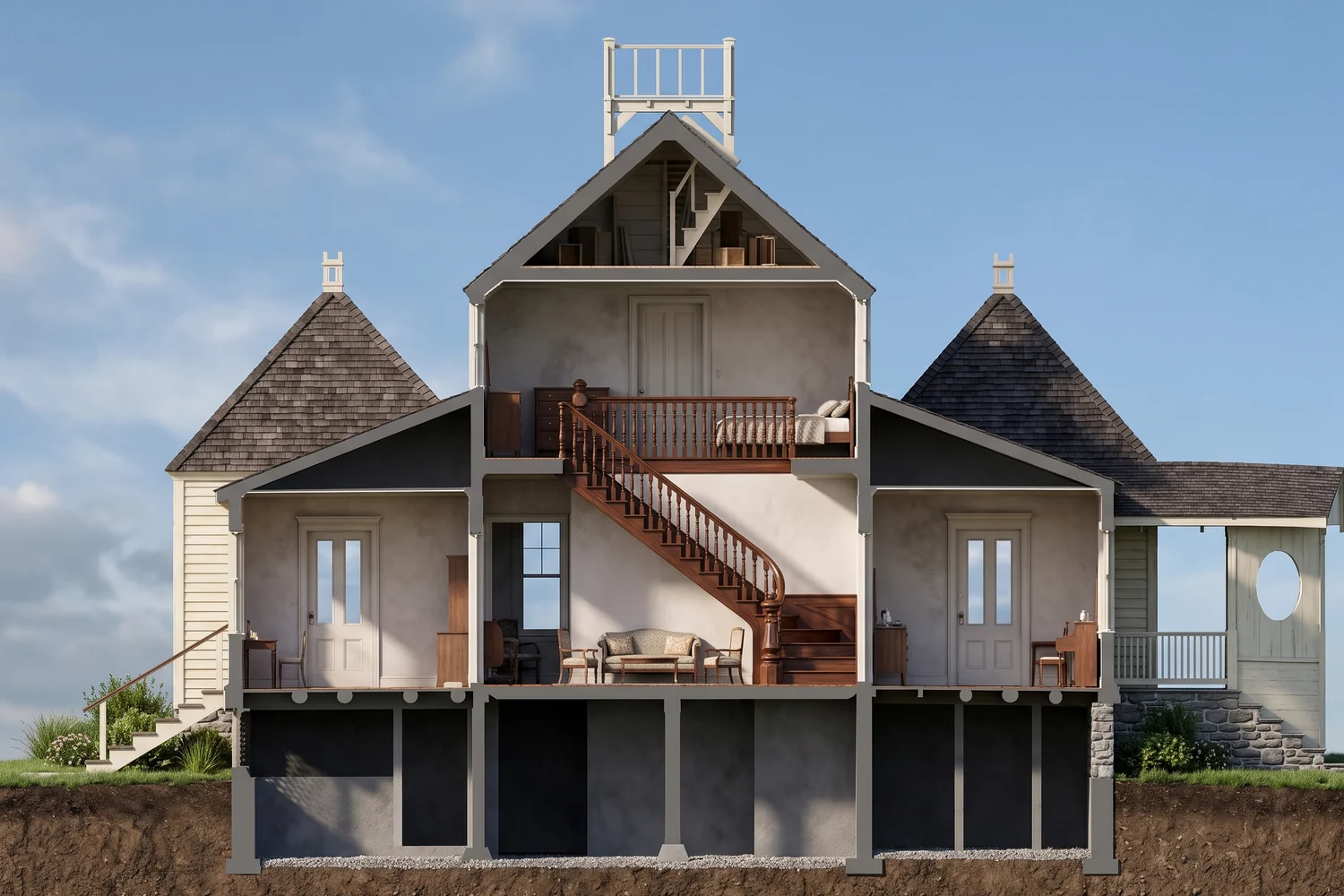
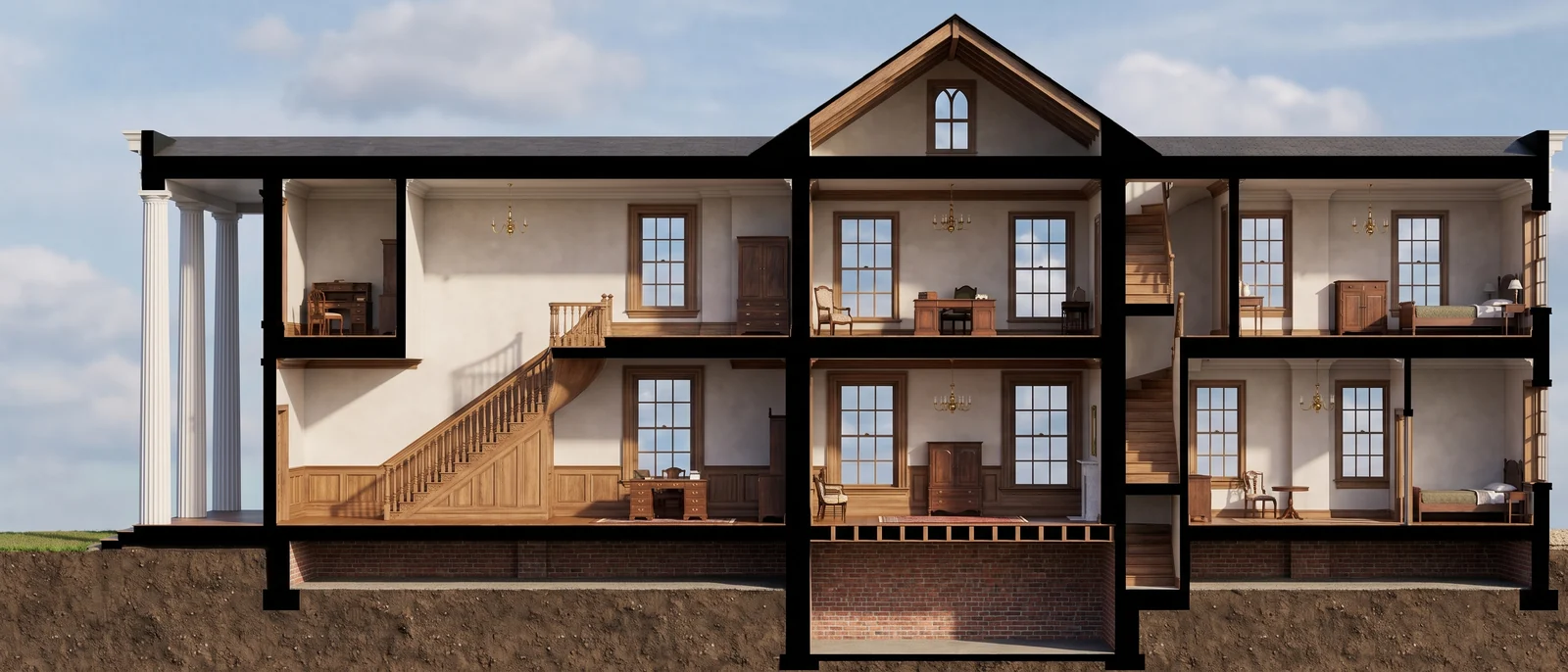
Rhino section to render: a house with a curved roof
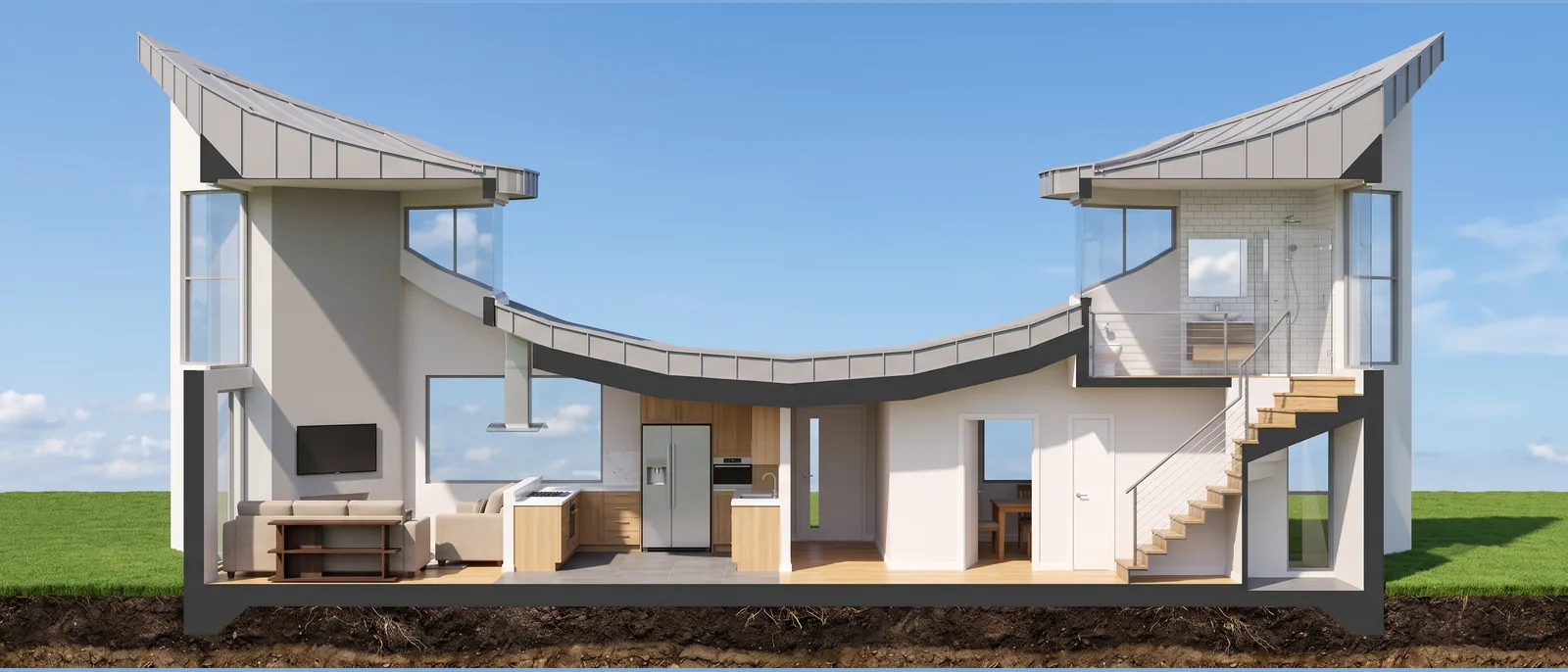
The input was a line section of a house with a curved roof, stairs and two tall volumes. RendScene followed the same drawing and rendered the interiors, the stairs, the ground and the sky.
Input: SectionFeature: Section to render
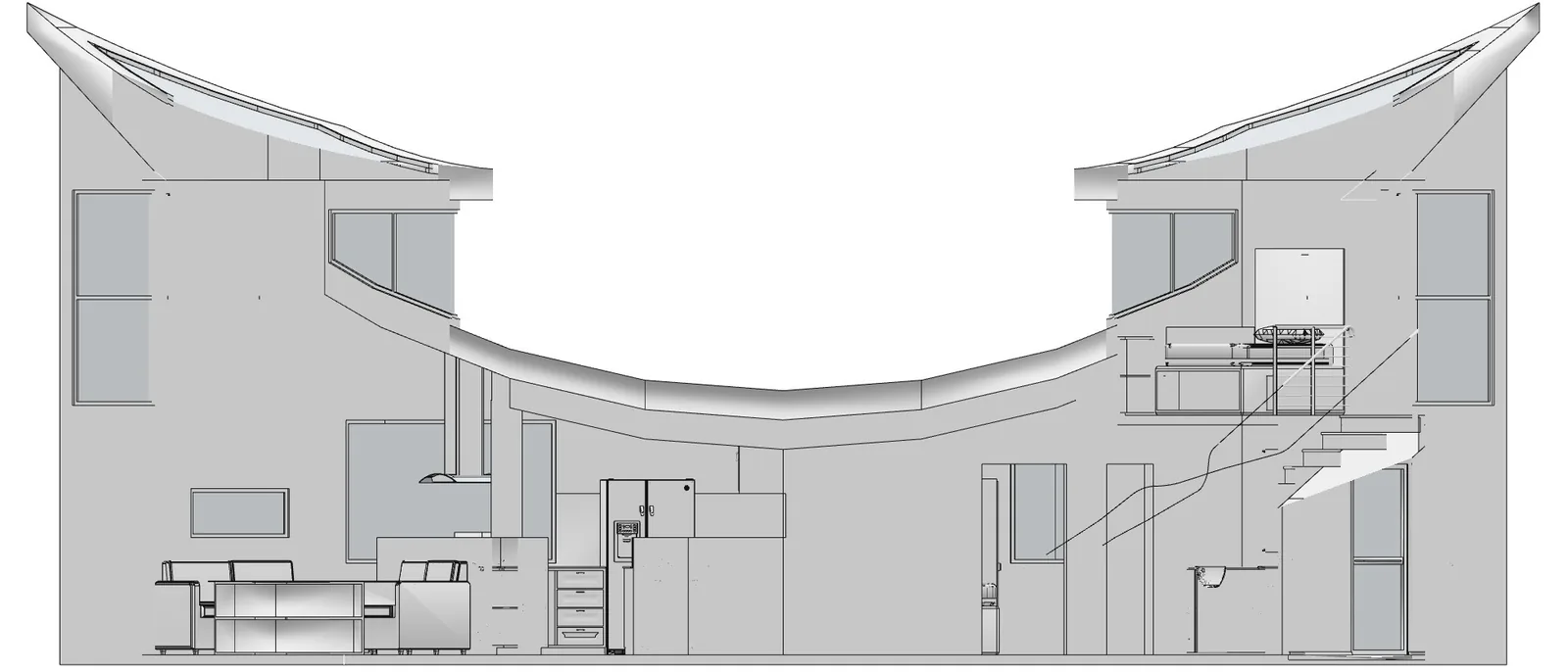
Before
After
Drag the slider to compare the original with the render.
What changed — and what stayed the same
- The curved roof and the two tall volumes stayed as drawn.
- Interiors and stairs got materials and light.
- The ground and the sky were added.
- The cut remains easy to read.
How to do it
Get the same result with your own image
- 1
Export your section as an image, with the cut filling most of the frame.
- 2
Choose the section option and, if you want, describe the finishes of the rooms.
- 3
Generate, compare the options and use the rendered section on your boards.
Questions about this example
Yes. Export or screenshot the section; RendScene keeps the cut and fills the spaces.
Yes. The images you create in RendScene are yours to use in presentations, proposals, listings and social media. Free trial renders carry a watermark; paid plans don't.
No. RendScene runs in the browser on any computer, and the rendering happens on our servers.