Waterfront house: from a 3D model to a photorealistic render
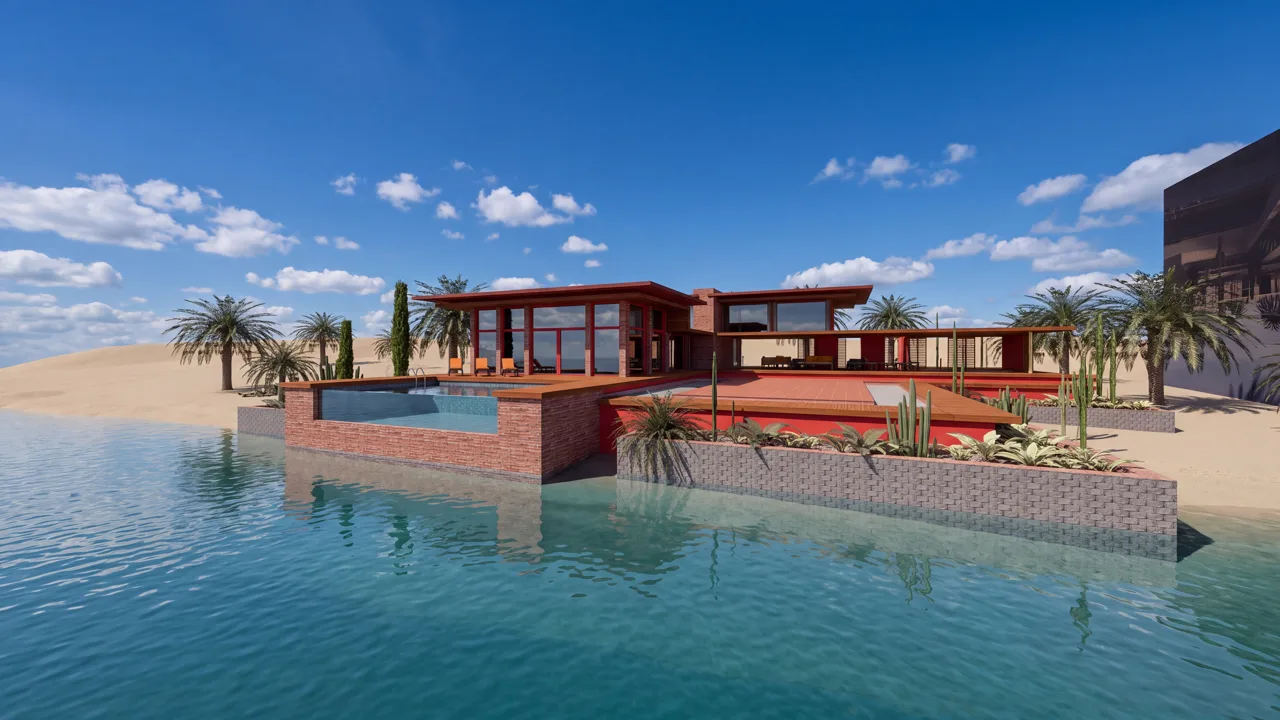
The input was a 3D view, from the water, of a single-storey house with brick walls, large windows, a timber deck, a raised pool, palms, cacti and sand around it. RendScene kept the architecture, the garden and the camera and gave the scene real water, sun and sky.
Input: 3D modelFeature: 3D model to render
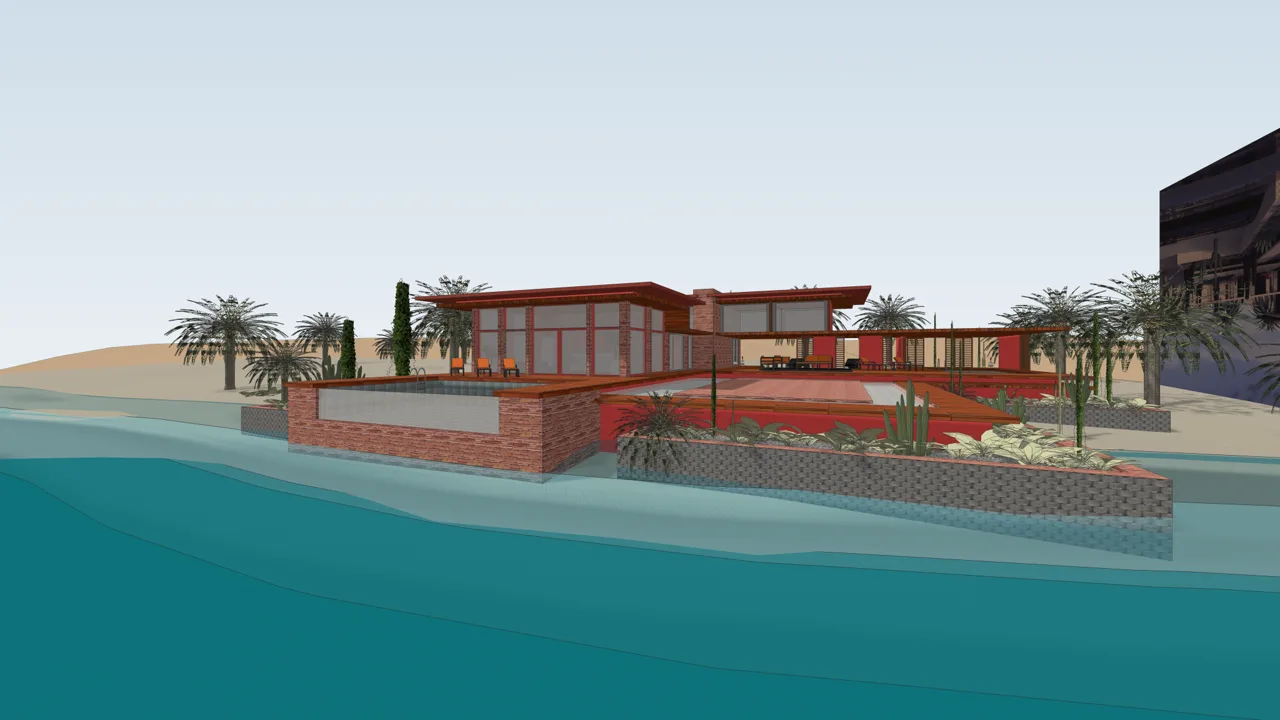
Before
After
Drag the slider to compare the original with the render.
What changed — and what stayed the same
- The house, the deck, the raised pool and the planters follow the model.
- The water now has waves and reflects the house and the palms.
- Brick, timber, sand and the desert planting now look real.
- A bright blue sky and strong sun give the scene a summer feel.
How to do it
Get the same result with your own image
- 1
Take a screenshot of your 3D view, or open the model file directly in RendScene and pick the view.
- 2
Choose the 3D model option and, if you want, describe the materials, style or time of day.
- 3
Generate, compare the options side by side and download the one you like in 2K or 4K.
Questions about this example
Yes. Water, glass and the pool get real reflections and transparency; the layout of the model stays the same.
Yes. The images you create in RendScene are yours to use in presentations, proposals, listings and social media. Free trial renders carry a watermark; paid plans don't.
No. RendScene runs in the browser on any computer, and the rendering happens on our servers.


