Redecoration: the same living room in coastal style
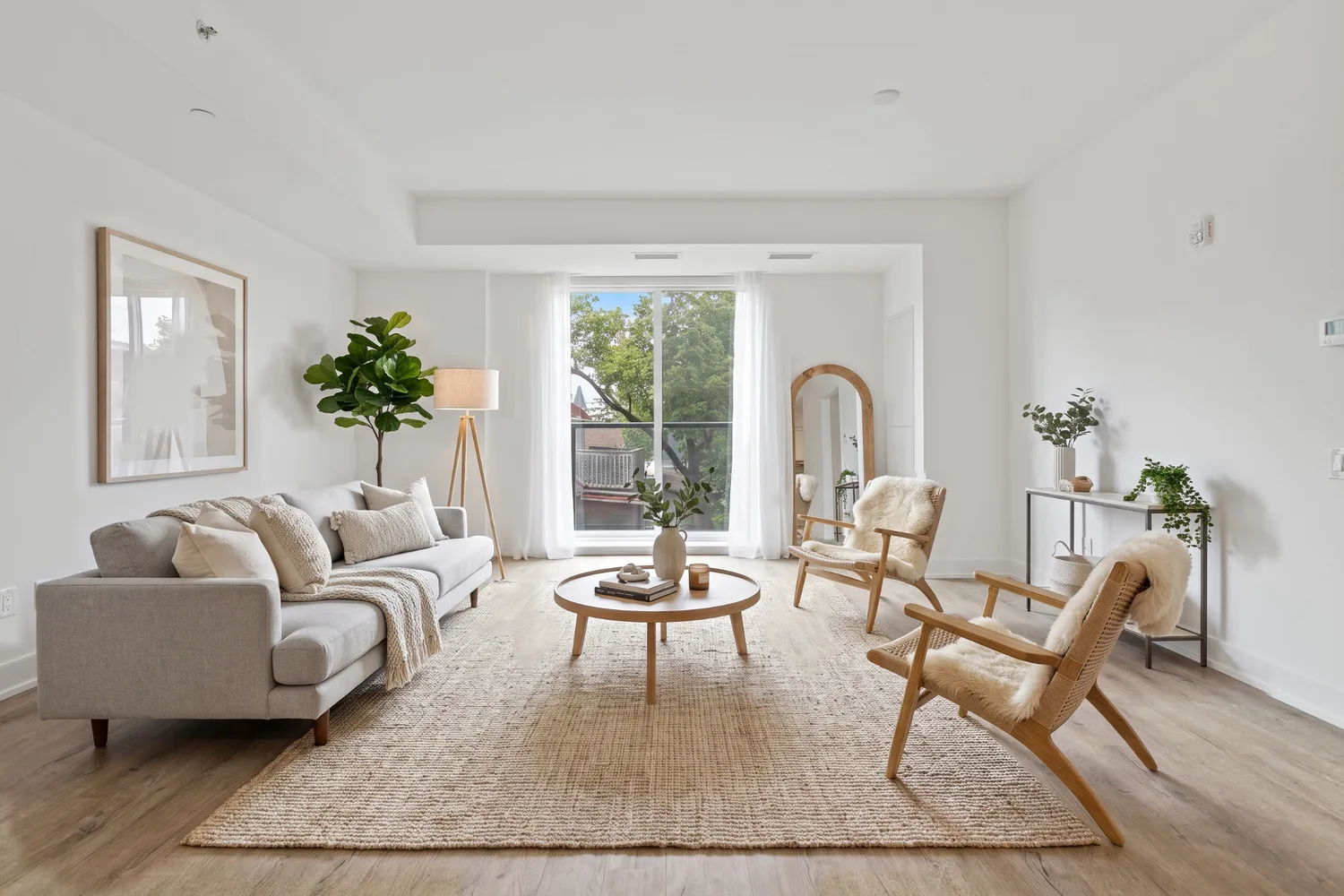
The input was a photo of a double-height living room. RendScene redecorated it in coastal style, changing furniture, fabrics and decor while keeping the architecture of the room.
Input: Room photoFeature: Furnish


Before
After
Drag the slider to compare the original with the render.
What changed — and what stayed the same
- The architecture stayed: same double height, walls, windows and openings.
- The decor moved to a coastal style with light fabrics and natural textures.
- Furniture and accessories were replaced to match the new style.
- The light of the original photo was kept, so the room still looks real.
How to do it
Get the same result with your own image
- 1
Upload a photo of the room, taken straight and well lit.
- 2
Choose Furnish and pick a style, or describe the one you want.
- 3
Generate, compare the options and download the one that fits the project.
Questions about this example
Yes. Upload the furnished room and choose a new style; the furniture and decor change while the architecture stays.
Yes. The images you create in RendScene are yours to use in presentations, proposals, listings and social media. Free trial renders carry a watermark; paid plans don't.
No. RendScene runs in the browser on any computer, and the rendering happens on our servers.